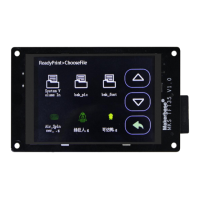
6.6 Save the gcode data with power off
In the printing process into a paused state,when without anyone watching you can directly shut down, the
next time you can start from the pause to continue printing.
(Attention:Remember to delete the updated file in the SD card, to avoid the reboot and update the firmware,
affect this feature).
6.7 Power off recovery
1. No UPS Power
1.1 A sudden power outage during the printing process, machine can continue to print from the power off.
(due to power failure can not drive the motor, the print head will still remain on the model, may cause
defects in the model, if the need for more complete power off processing, the need for power detection
module and UPS).
Have UPS power
2.1 Power detecting module signal line s connection PB0, negative positive connection -and + two pins
blow the PBO.
2.2 When the system loses power, the Power detection module informs the touch screen to enter the
suspend printing state, UPS power supply. Leave the print head out of the model.


 To Next Page