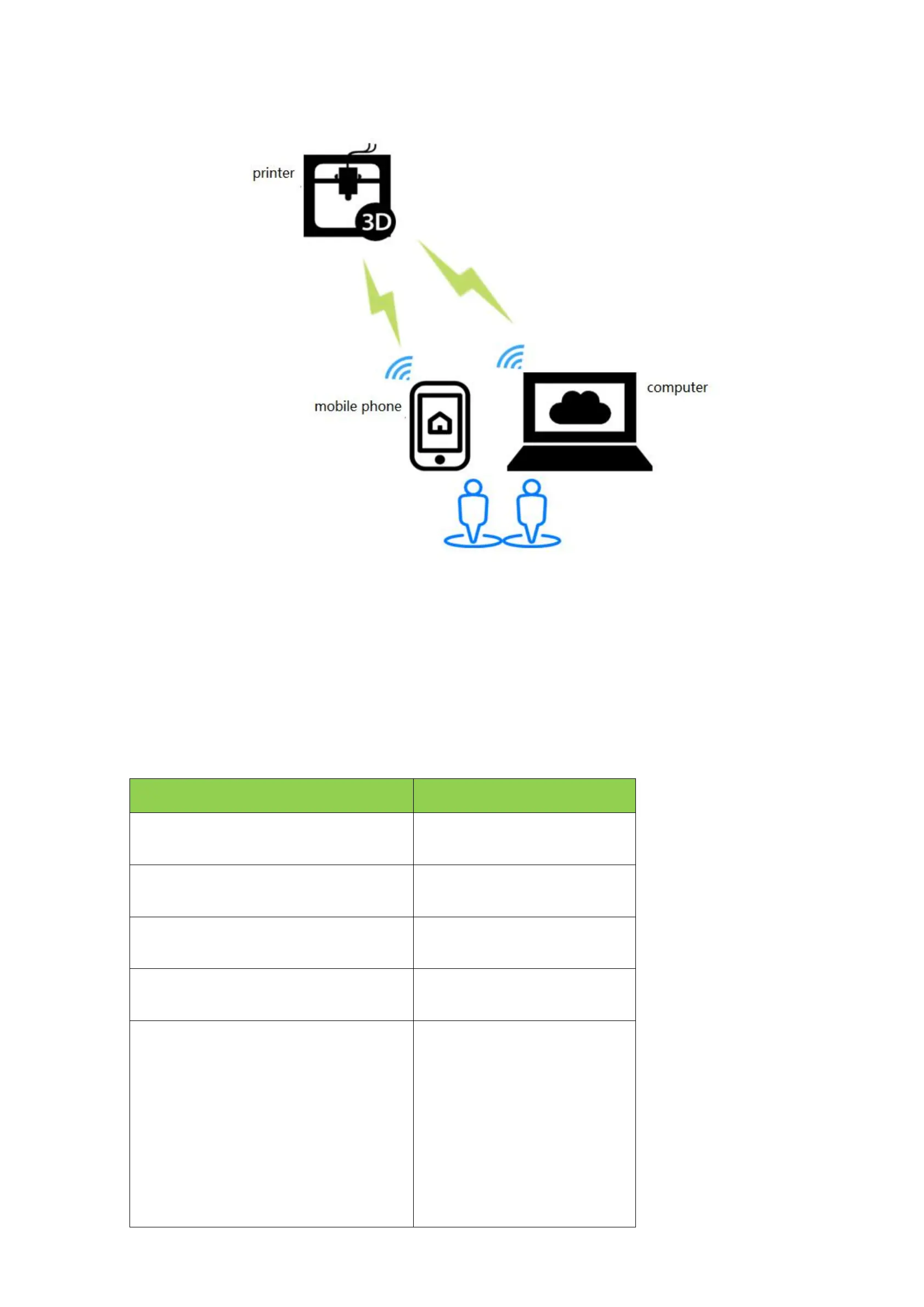
7.5 AP mode
Features: WIFI module will generate hotspot "MKSWIFI-XXXX" (open hotspot, no password), you can access
the hotspot to control the printer.
2 .Software update
2.1 Copy the latest upgrade program to the SD card root directory, the motor can be renewed, upgrade
procedures include:
#wifmodel(0:MKS WIFI TFT 1:MKS HLK-WIFI)
>cfg_wifi_type:0
#wifi mode(0:sta;1:ap)
>CFG_WIFI_MODE 1
#wifi name
>CFG_WIFI_AP_NAME TEST
Set the WiFi name to the name of the
hotspot you want to connect to
#wifi password
>CFG_WIFI_KEY_CODE MAKERBASE
Set the WiFi password to the hotspot
password you want to connect to
#cloud service enable(0:disable 1:enable)
>cfg_cloud_enable:1
#cloud server url
>cfg_wifi_cloud_host:www.baizhongyun.cn
#cloud server port
>cfg_cloud_port:10086
#Dynamic ip acquisition
>cfg_ip_dhcp_flag:1
The default settings can be


 To Next Page