9. Mounting Guide
9.1 Mounting Sensor Unit
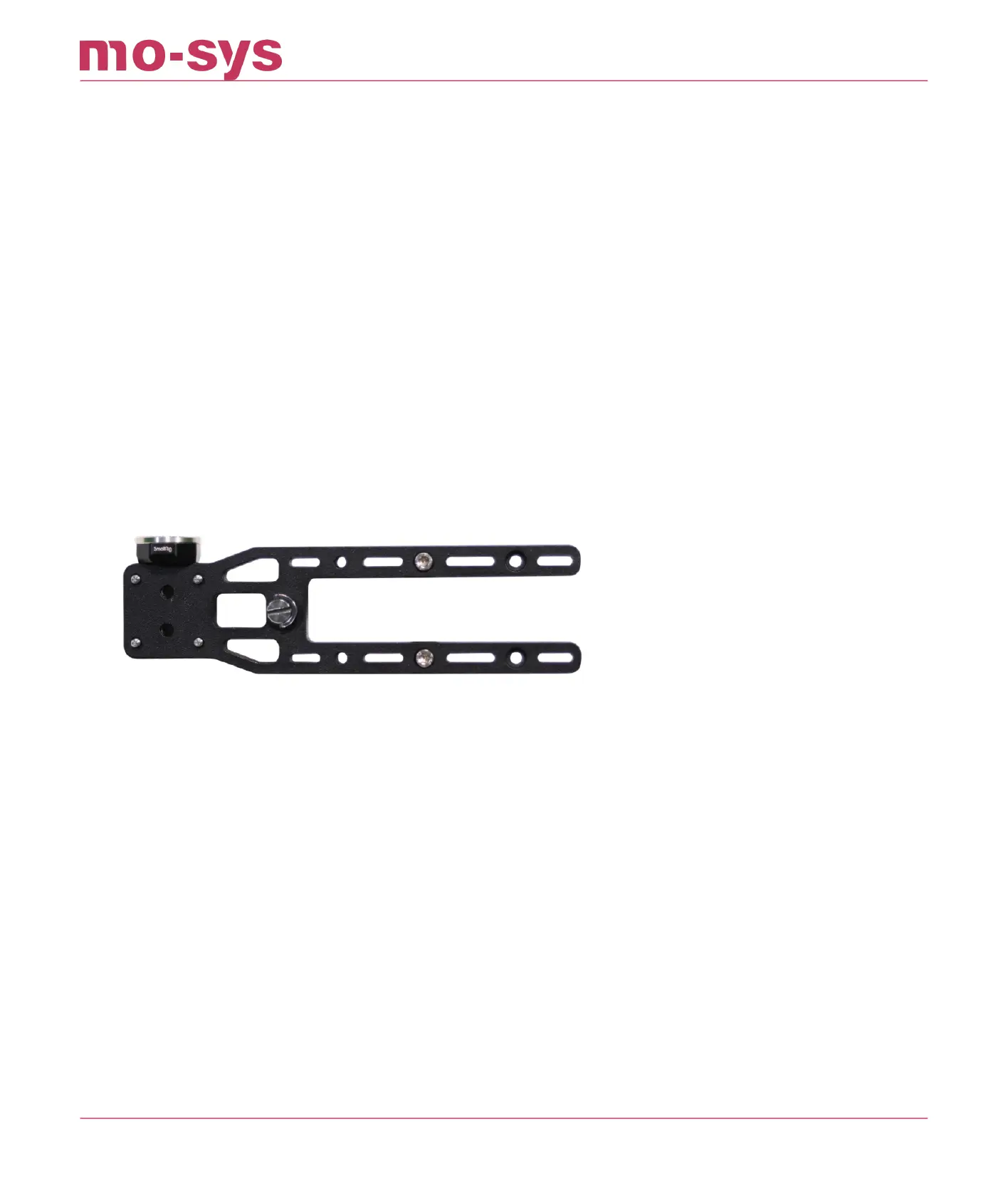
To mount sensor camera bracket to broadcast camera handle use supplied Imperial ¼ x ½
screw. Square it to the broadcast camera and make sure it’s secured with the two supplied studs
mounted to the bracket to clamp it to the camera handle. Make sure the bracket is mounted
tightly, so it can’t move. It should be square to the camera, pointing straight down the lens line.
StarTracker comes with dierent brackets. Make sure the StarTracker sensor camera is facing
the right way, with the USB-C umbilical cable pointing at the back.
StarTracker Max Manual
2023 - 2024 © Mo-Sys Engineering Ltd. All rights reserved 34 of 70



 To Next Page