15. Floor Facing
15.1 Using StarTracker Upside Down
The StarTracker can also be used facing down. The sensor camera is inverted and looks at small
retroreective stickers on carpet/fake lawn/lino/studio oor.
Apply stars to the oor. The distance between stars should be a tenth of height from oor to
sensor.
Make sure the oor is at and avoid any bumps.
The oor should not be too soft as the stickers might sink in when camera operator steps on
oor.
Mount the sensor unit facing down. Get into touch with us if you need bracket solutions
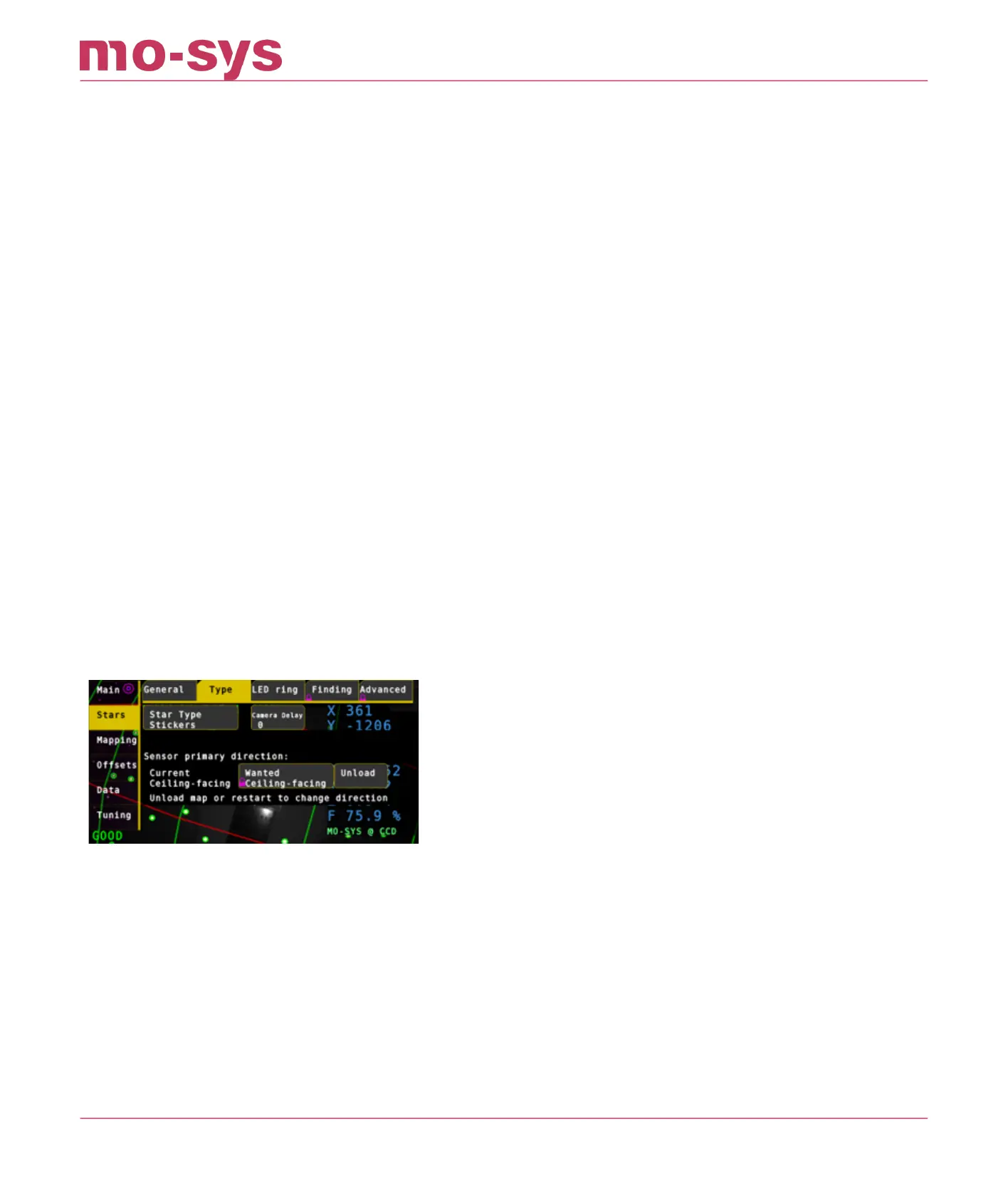
In StarTracker go to Stars → Type and click Unload (If you have map loaded).
Then change to Floor-Facing. After a few seconds Current should change to Floor-facing. If it
doesn't happen, you need to do a Main -> Restart.
Mapping and Referencing process (AutoAligner) are the same as with ceiling facing sensor.
It's the same process for Horizontal tracking (e.g., forward facing, side-facing, backward-facing)
StarTracker Max Manual
2023 - 2024 © Mo-Sys Engineering Ltd. All rights reserved 64 of 70



 To Next Page