EasyManua.ls Logo

Mobi Technologies 700026 - Page 22

Mobi Technologies 700026
44 pages
Print Icon
To Next Page IconTo Next Page
To Previous Page IconTo Previous Page
Loading...
+1(323)904-3000 22 www.mobiusa.com
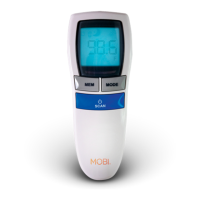
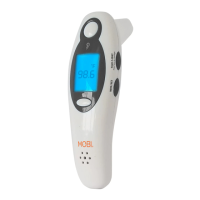
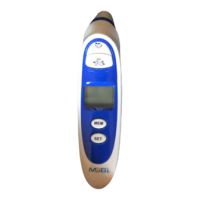
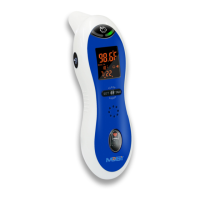
Screen Display
Operating Instructions
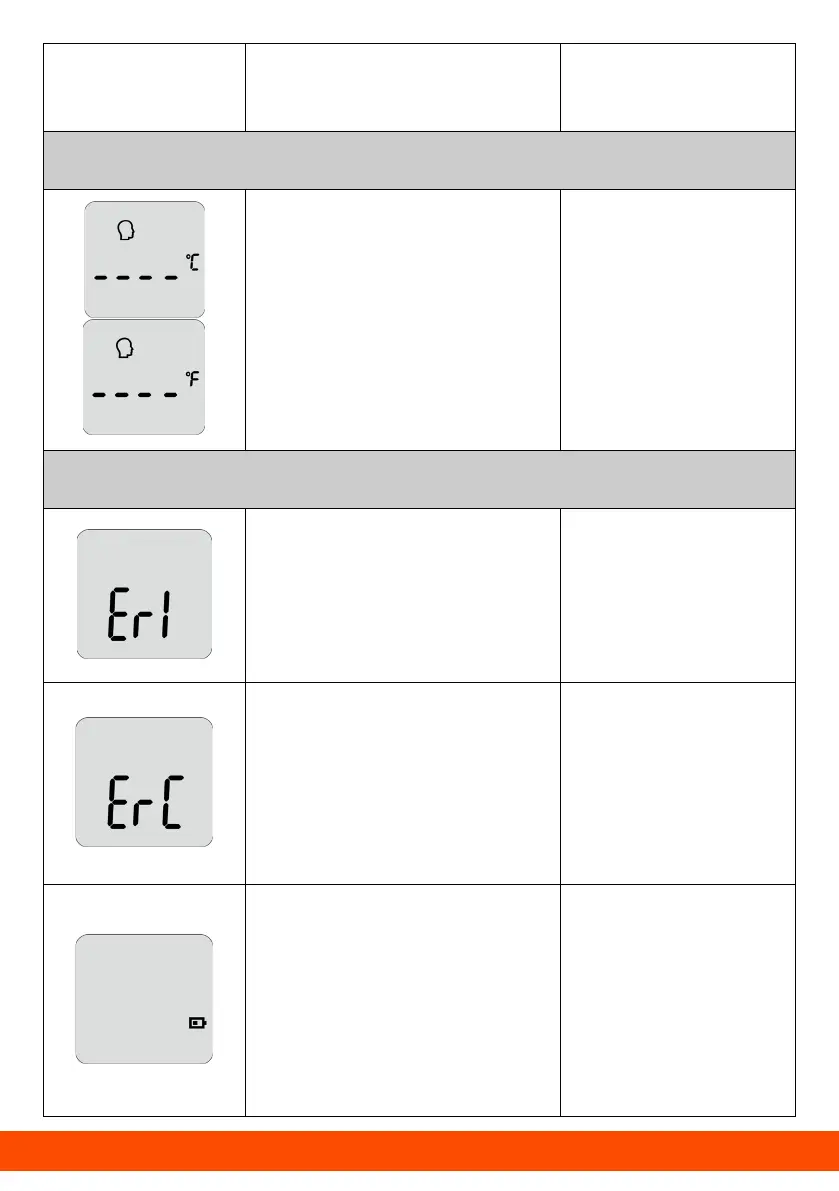
Displayed State
Sound and
Backlight Color
Switching between °F/°C
You can change units by
switching the °F/°C
button.
Silent
Error Information and Low Battery
The ambient
temperature is above
104.0°F (40.0°C) or
below 50.0°F (10.0°C).
A long beep and
the backlight is
colored red.
An error occurs when
data is being read from
or written to the
memory or the
temperature correction
is not complete.
A long beep and
the backlight is
colored red.
The low battery symbol
will appear on the
display when the
battery voltage is lower
than 2.5V ± 0.1V. Please
replace the batteries.
Silent