3. USE AND MAINTENANCE
ENGLISH
3.13 WiFi Connection and instruction for use
21
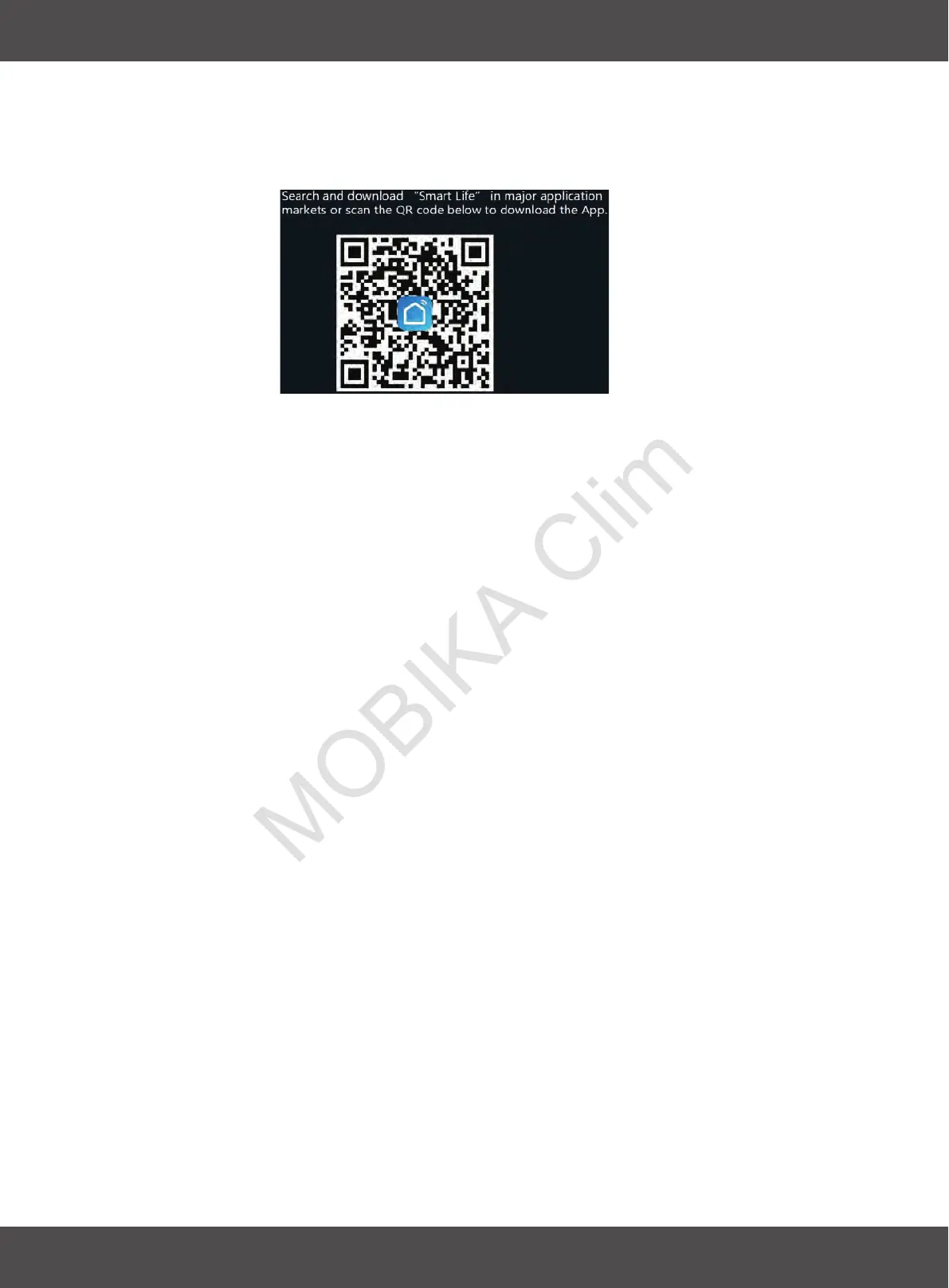
- Downloading of Smart APP
- Register the APP account and log in, add equipment and set WIFI network according
to the prompts;
- WIFI Intelligent remote control
-
Press the “Louver Swing” button of the remote control five times within 5s to enter the
distribution network.
For the first time, it is slow flash distribution network.
Press the “Louver Swing” button five times within 5s to enter the fast flash. After the
pairing is successful, press the “Louver Swing” button five times within 5s to clear the
WIFI pairing.
Matching:


 To Next Page