xTablet Flex 10A
With Android
10
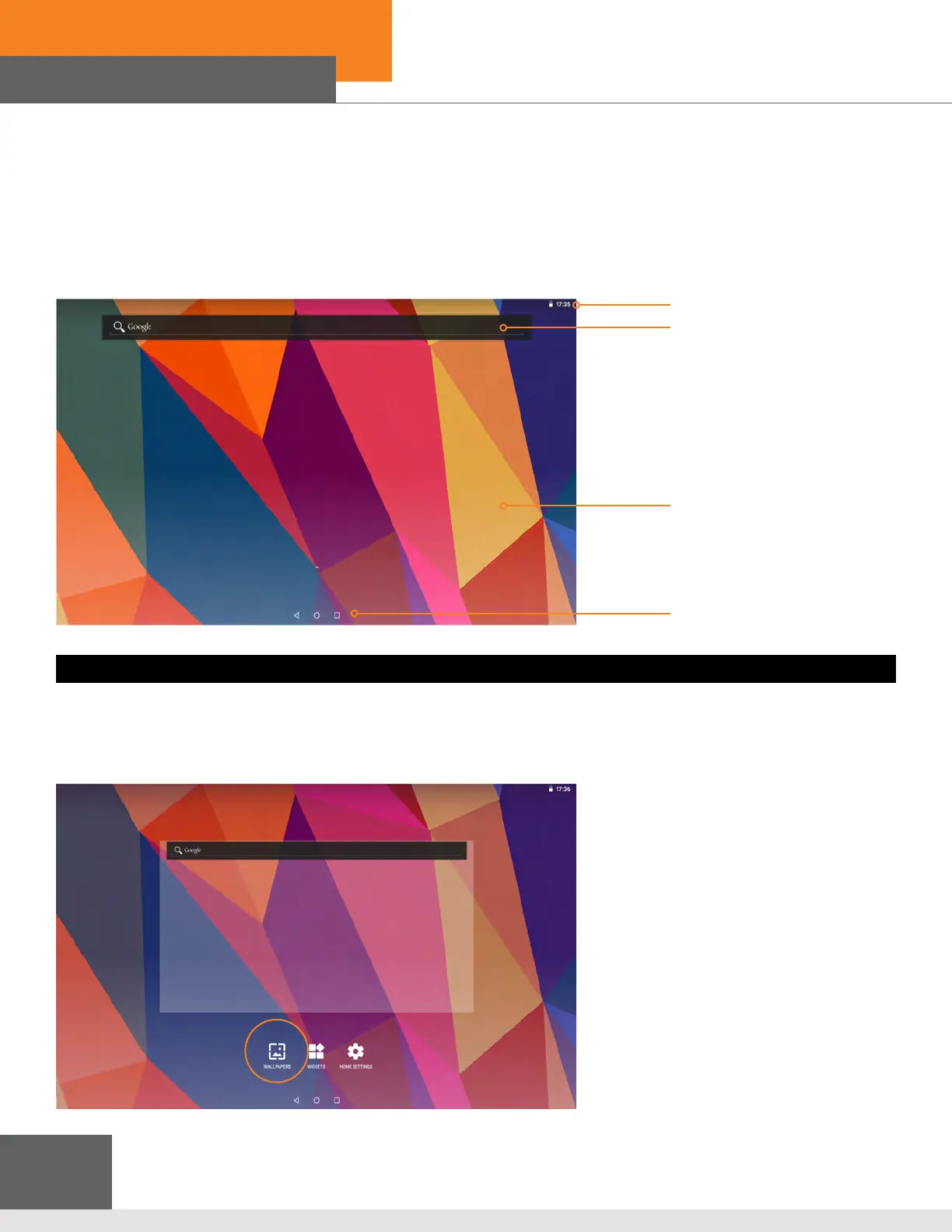
Figure 3-3: Wallpaper Function
Time
Search
Wallpaper
Application
Figure 3-2: Homepage
NOTE: In any application, you can press the Homepage key to return to the homepage.
3.5 Homepage
All application programs are displayed on the main menu screen. You may use an application, a shortcut,
or a user-dened mode to set the wallpaper for the homepage.
To change the desktop wallpaper
1. With your nger, press the homepage for a pop up menu to appear.
2. Select the wallpaper you want to change, select the picture you want to use, then tap Setting Wallpaper.



 To Next Page