7
2.2 xTablet Accessories Packing List
The following items are included with your xTablet:
► xTablet Flex 10A with Android
► Power adapter
► USB connecting line
► Mini USB tie line
► 4G TF card (selective pairing)
► Earphone (selective pairing)
► User’s manual
► Optical disk (selective pairing)
► USB keyboard (selective pairing)
2.3 xTabletNotications
When a prompt message shows on your notice panel, touch the column box with your nger, then swipe
screen to open notice list. Tap options needed to view the information. To close the messages, touch the
message box and drag upwards to close.
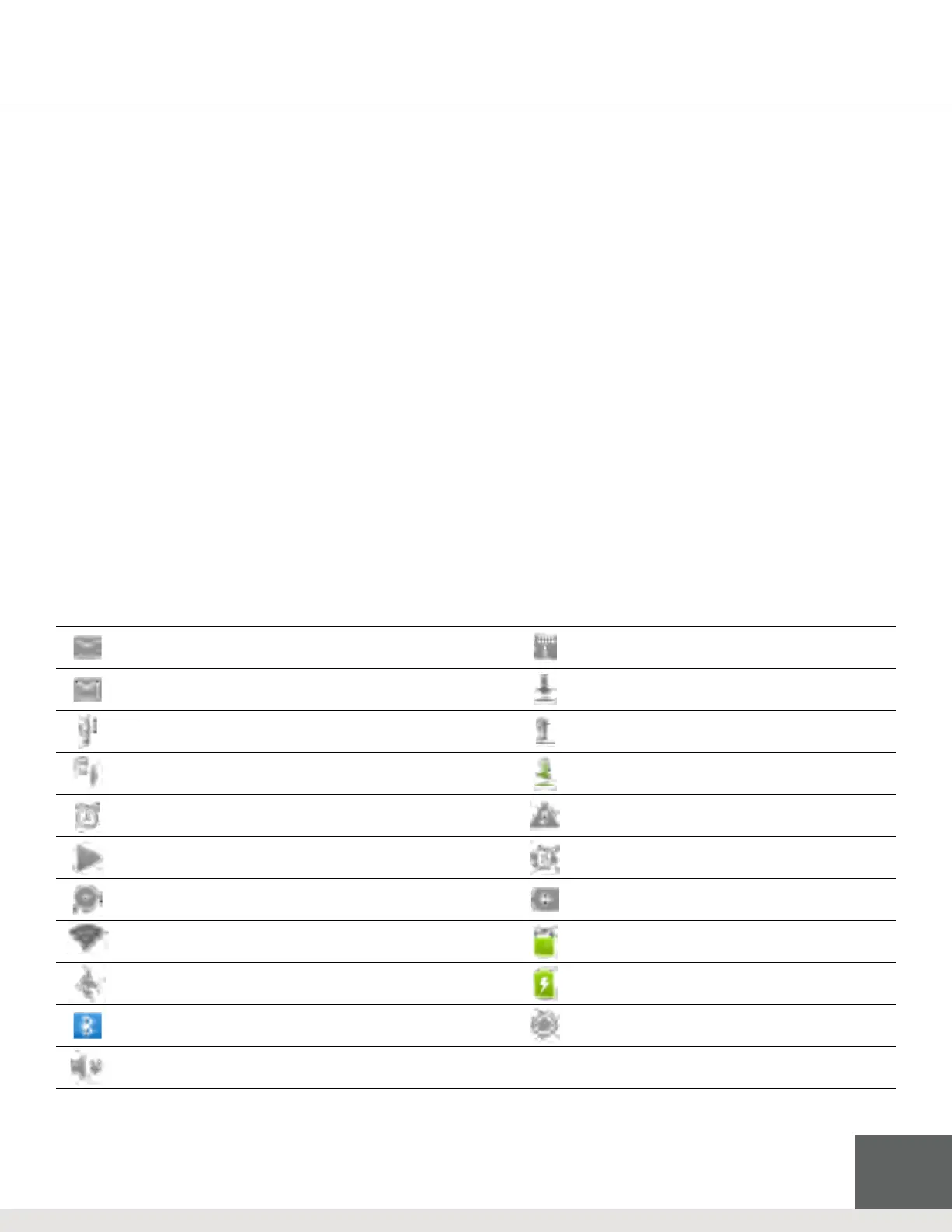
The following are common icons you may see in the status bar:
Mail notice
Without SD card
Gmail notice
Downloading
Computer and xTablet connected through USB line
Uploading
Events waiting to be done
Downloading nished
Alarm clock opening
General notice (such as a synchronous error)
Playing music
In data synchronism
Insucient space of SD card
More
WIFI service is connected, network is available
Battery symbol
Airplane mode
Charging
Bluetooth is already connected
GPS
Mute



 To Next Page