13
4.2 Bluetooth Connection
You can do the following with Bluetooth connections:
•
Exchange les between two Bluetooth items and with other computers, mobile phones, and PDA.
• Synchronously exchange PIMS data with mobile phones, PDA, and laptops to support Bluetooth data such as Outlook
email addresses.
• Exchange electronic name cards with mobile phones, PDA, and laptops.
• Connect the keyboard, mouse, and joystick to support the Bluetooth items.
TocongureBluetooth
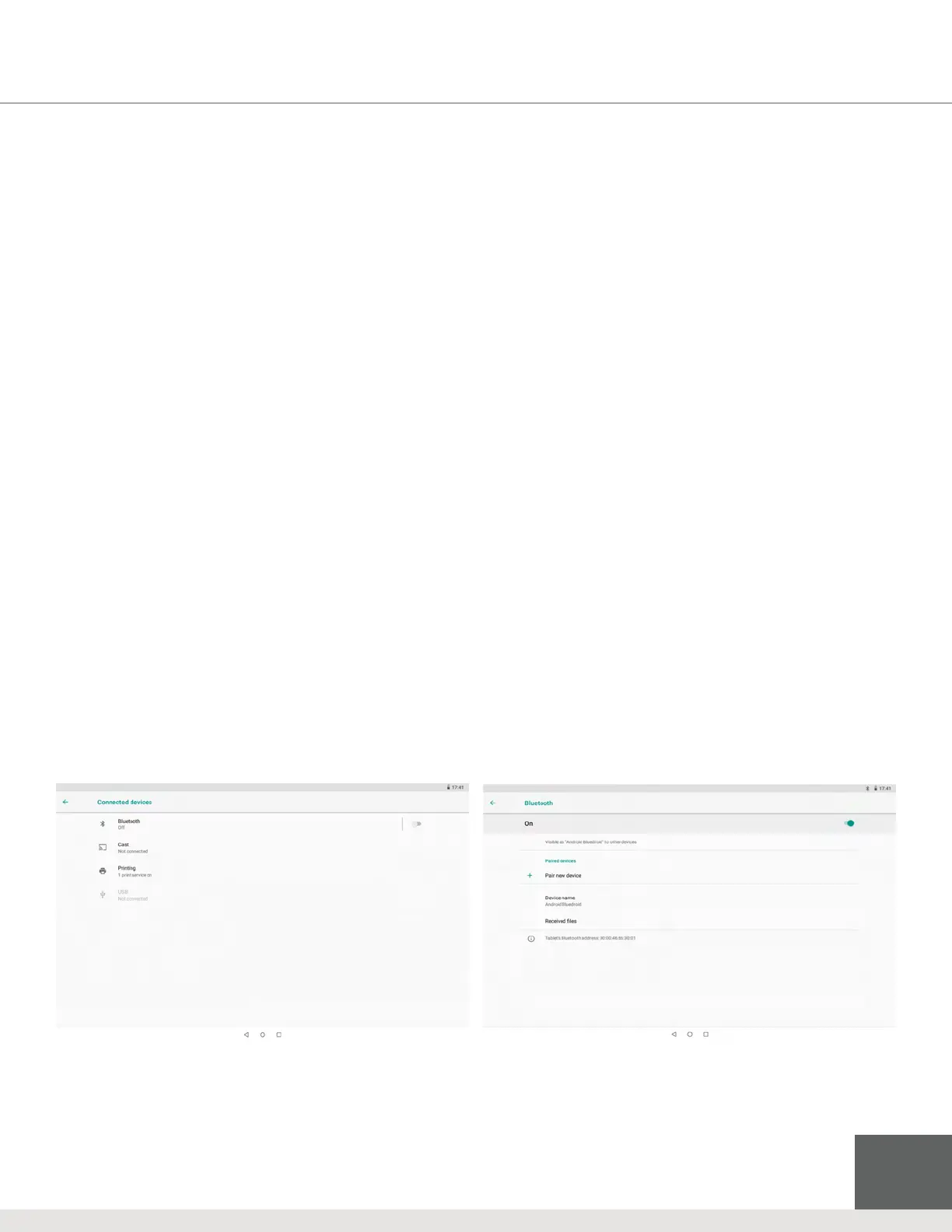
1. On the homepage, tap the Menu key for the pop-up menu, tap System Setting, then tap Connected devices > Bluetooth
to open the Bluetooth properties.
2. Congure the following properties:
• Name of equipment
Press the “menu” key to change the name of the Bluetooth item.
• Detectability
Tap the name of the Bluetooth to allow your xTablet Bluetooth to be searched by other Bluetooth equipment - default
time for this opening is 120 seconds.
• Scan and look for equipment
Use this to locate and connect to other equipment.
• Bluetooth
After the equipment scan, all Bluetooth items located by the xTablet will display here.
Figure 4-3: Connected devices > Bluetooth properties



 To Next Page