9
xTablet T7000 Rugged Tablet PC User's Guide
Quick Start
Turning Off the xTablet T7000
Turning off the xTablet T7000 properly is important to maintaining your rugged tablet PC.
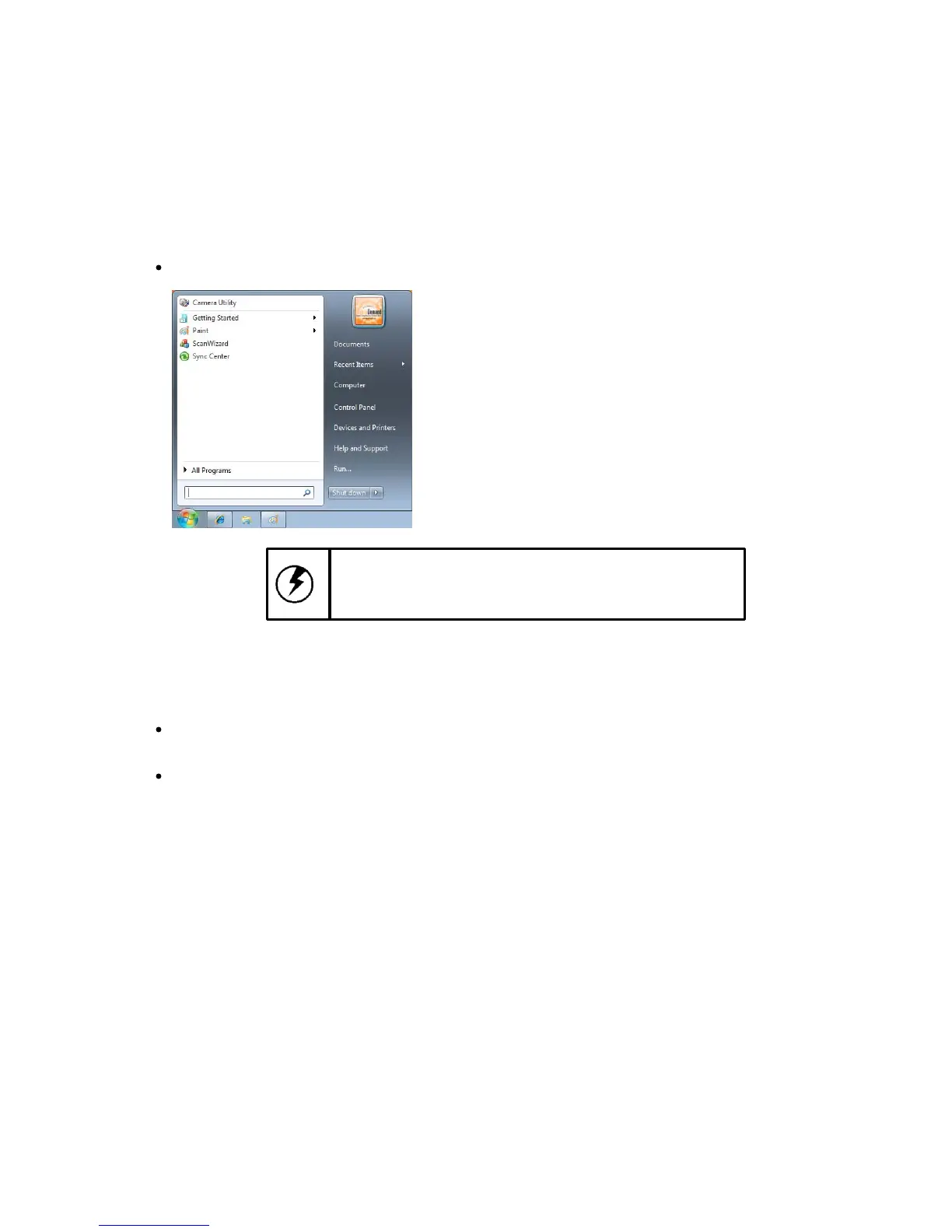
To turn off the xTablet T7000
Select Start > Shut down.
Caution: Shutting off the xTablet T7000 improperly
may result in loss of data.
If you are going to be away from the xTablet T7000 for a short period, there are ways of conserving
power without shutting down the system. See the "Power Management" chapter for more information.
To conserve power
Select Start > Control Panel > Power Options, then follow the instructions to edit the applicable
plan settings.
Press [Fn] + [E] on the QWERTY keyboard to put the xTablet T7000 in hibernation.



 To Next Page