When the distance from the lip of the express card cover to the xTablet T7000 is not within the
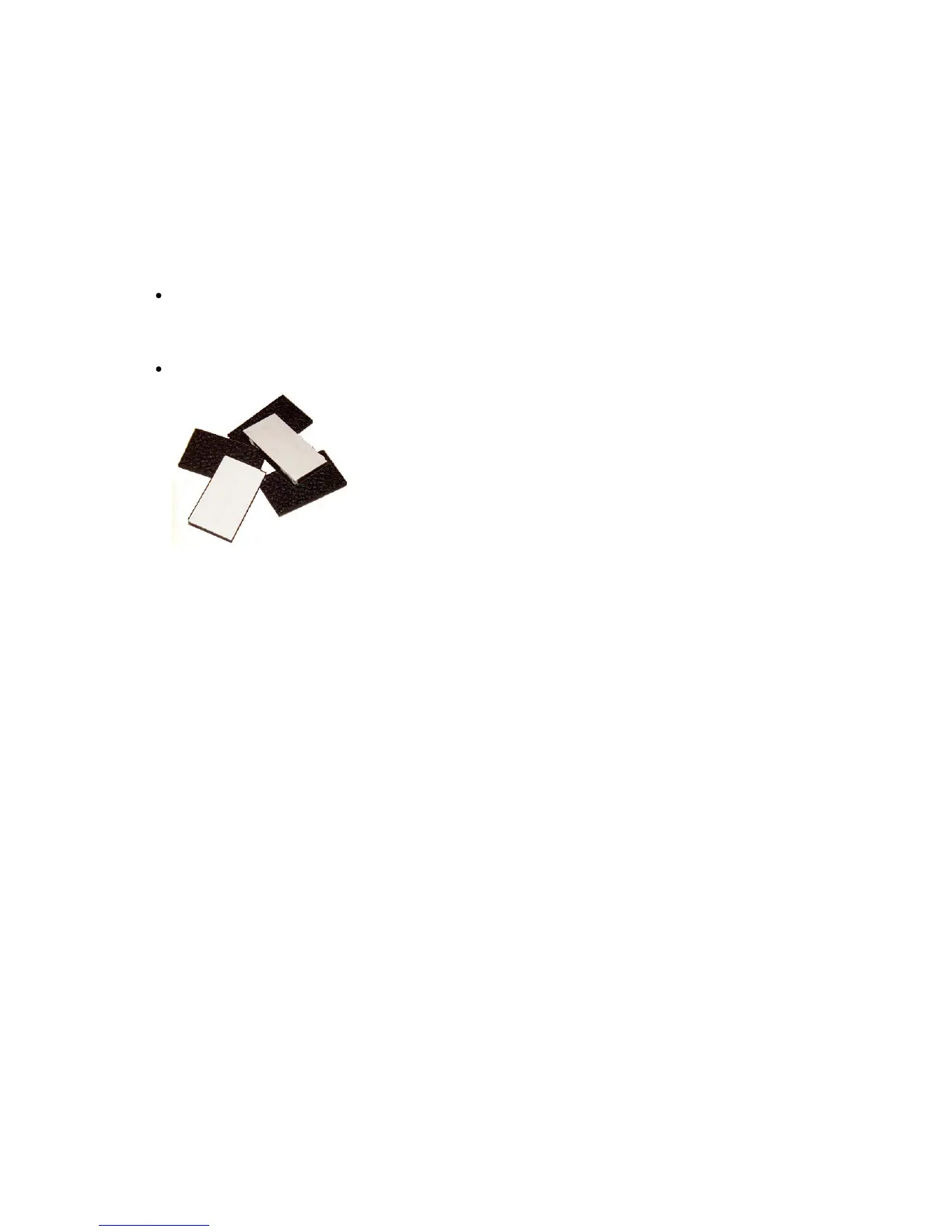
recommended ideal range (3/8” to ½”) – you can adjust the distance using the rubber spacers provided
in the kit to achieve the ideal distance.
To adjust the distance
If the distance is less than 3/8”, peel the white paper liner off a rubber spacer and attach the rubber
spacer to the compressible foam inside the express card cover, then measure again.
Repeat this step until you reach the ideal distance.
When the distance is between 3/8” and ½”, go to the next procedure.
Rubber spacers with white paper liners.



 To Next Page