xTablet T7000 Rugged Tablet PC User's Guide
14
Hardware and Software
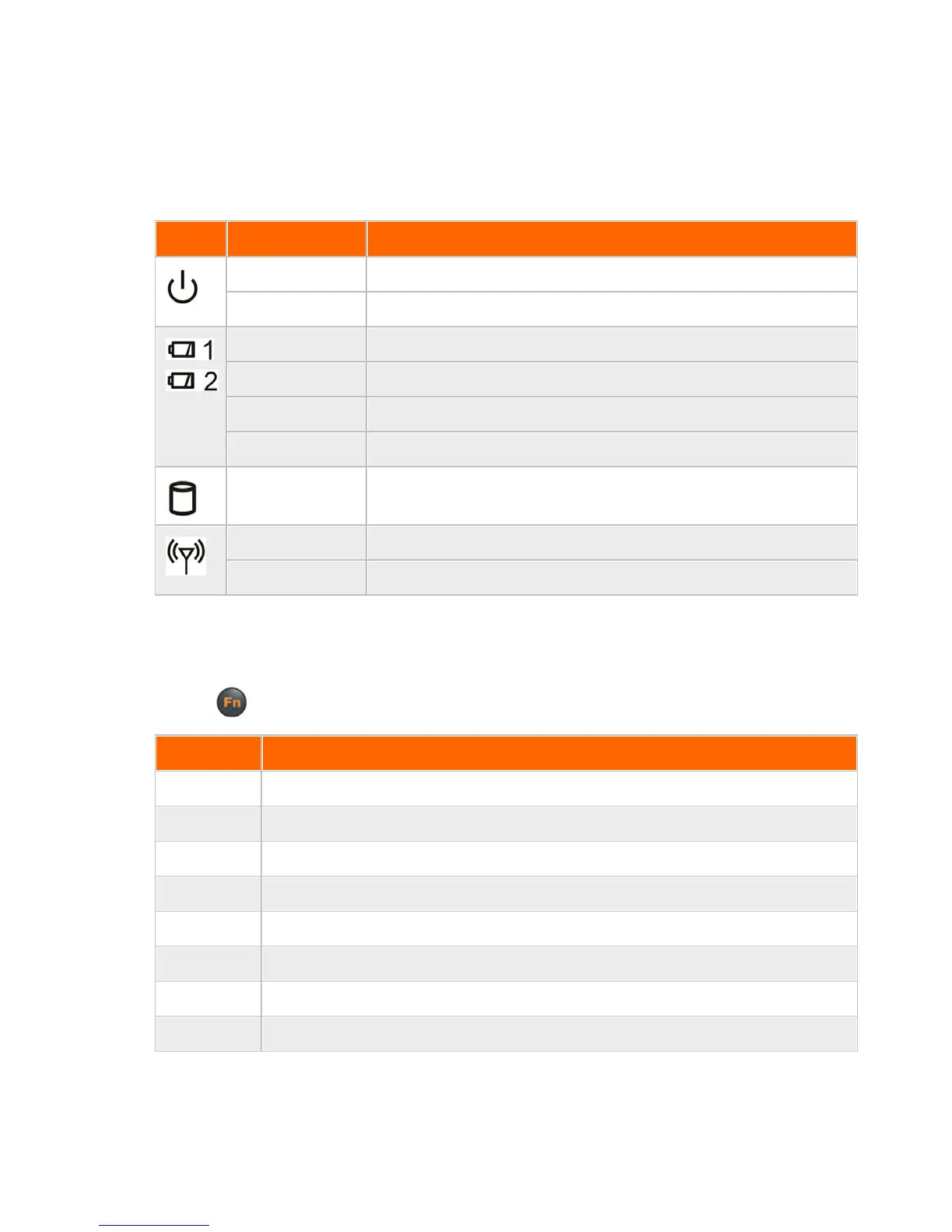
LED Indicators
The following LED indicators (reading from left to right) are on the upper right corner of the display, above
the display.
System is in standby mode
Battery is overheated, is off-line, and w ill come online w hen cooled down
Battery is at slow -power (critical) state and needs recharging
xTablet T7000 is reading from or w riting to the built-in hard disk
WLAN is not powered and Bluetooth is not pow ered
WLAN or Bluetooth is enabled
Function Keys
Hold the Fn key while pressing keys listed in this table.
Trigger keypad LED backlight
Acts as a "Y" key w hich is required to answ er battery calibration y/n questions
Turn on/off WLAN and Bluetooth devices
Escape same as standard keyboard Esc key



 To Next Page