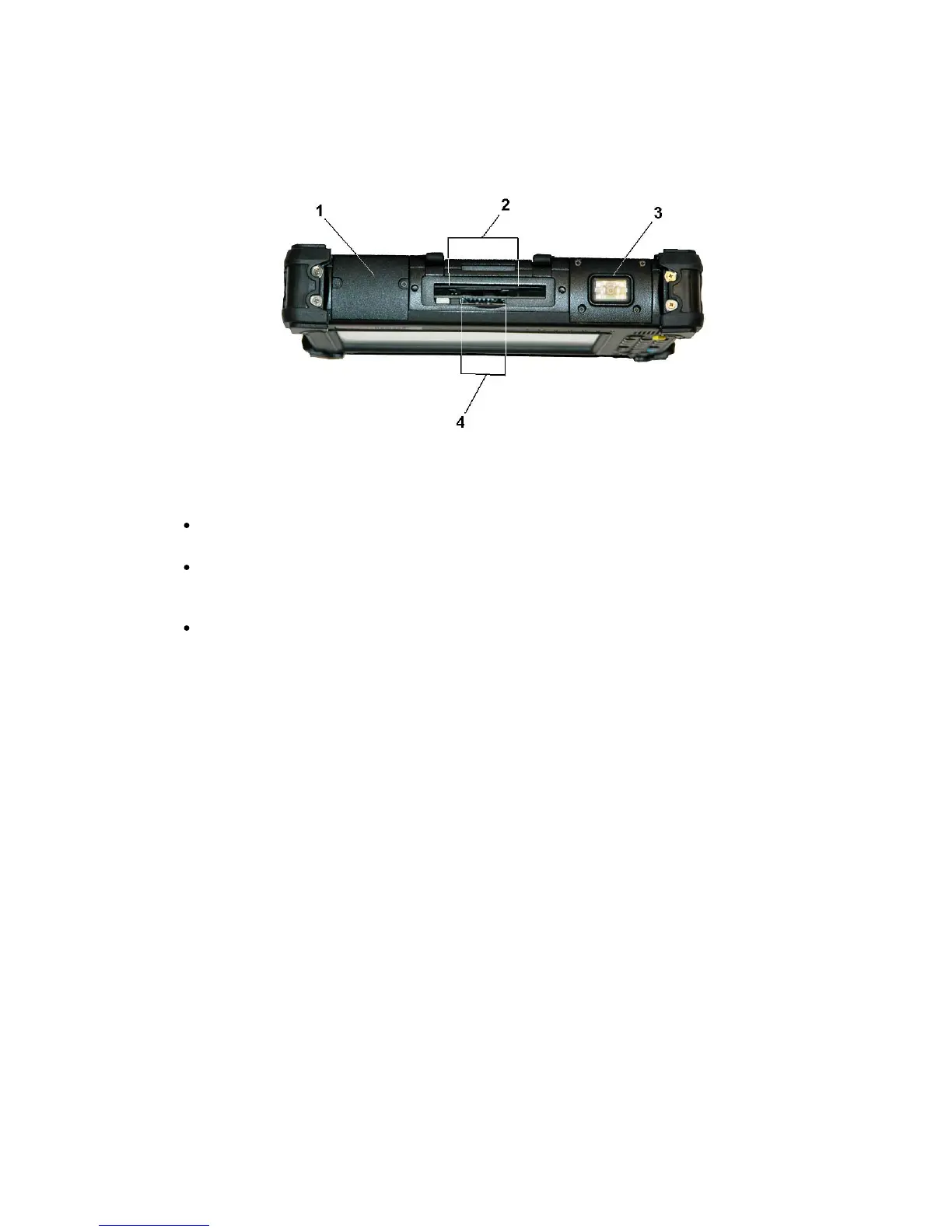
2.
Express card, PC card slot (PCMCIA), or Mini-PCIe Slot
The upper slot can hold any of the following cards:
Express radio card (standard)
insert the card into the card slot until it latches - press the card again to release.
PC (PCMCIA) card
insert the card into the card slot until it latches and a button pushes up - depress this button to
release the PC card.
Mini-PCIe card
is built in at the factory - contact a MobileDemand support representative for information.
4.
SD card slot
The SD card slot can be used as an interface between your xTablet T7000 and a variety of devices.
Press an SD card into the SD card slot until it latches into place.



 To Next Page