EVA 3 Plus: Device User Manual
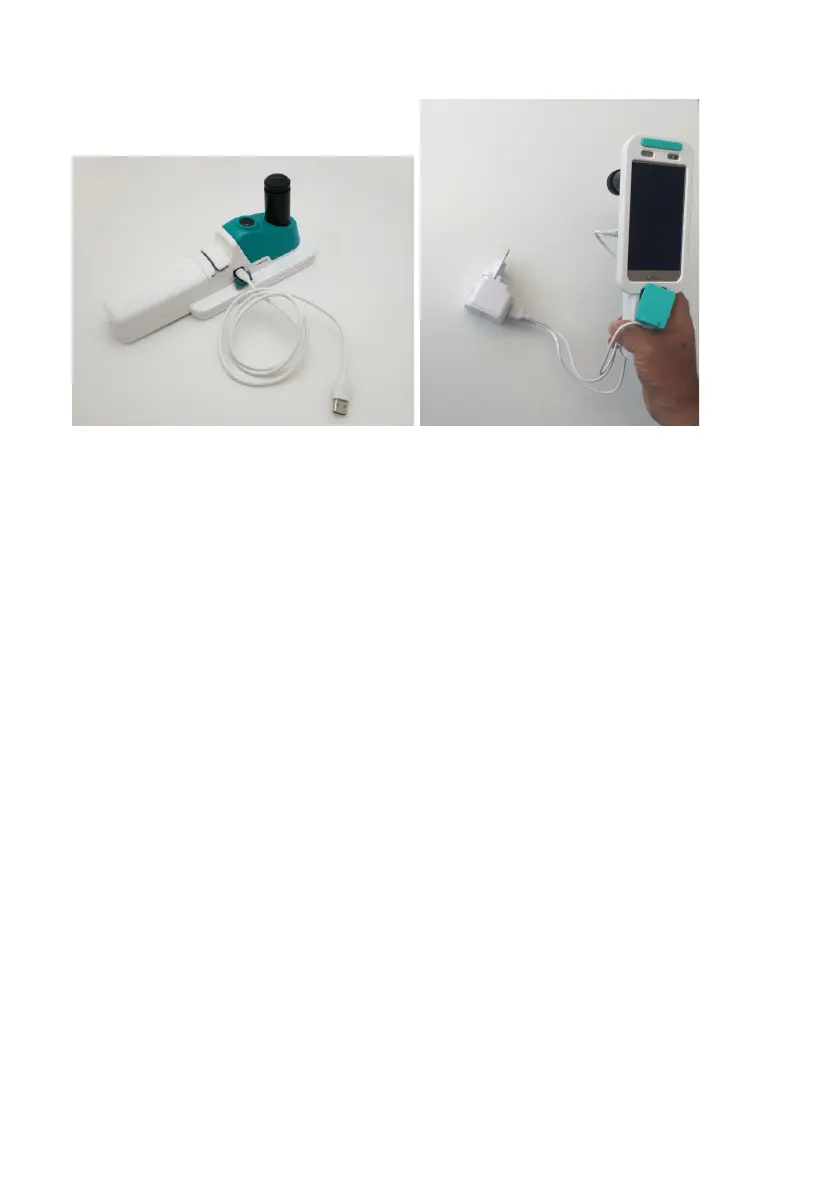
(figure 15)
The Charge Indicator Lights can be found above the charging port on the front
of the optical unit. When connected to the charger, the lights will turn on and
turn green while charging.
Please Note: The colposcope cannot be used while charging, as the LED light
will not be able to be switched on.
Charge indicator lights – operation mode
24


 To Next Page