Section 10
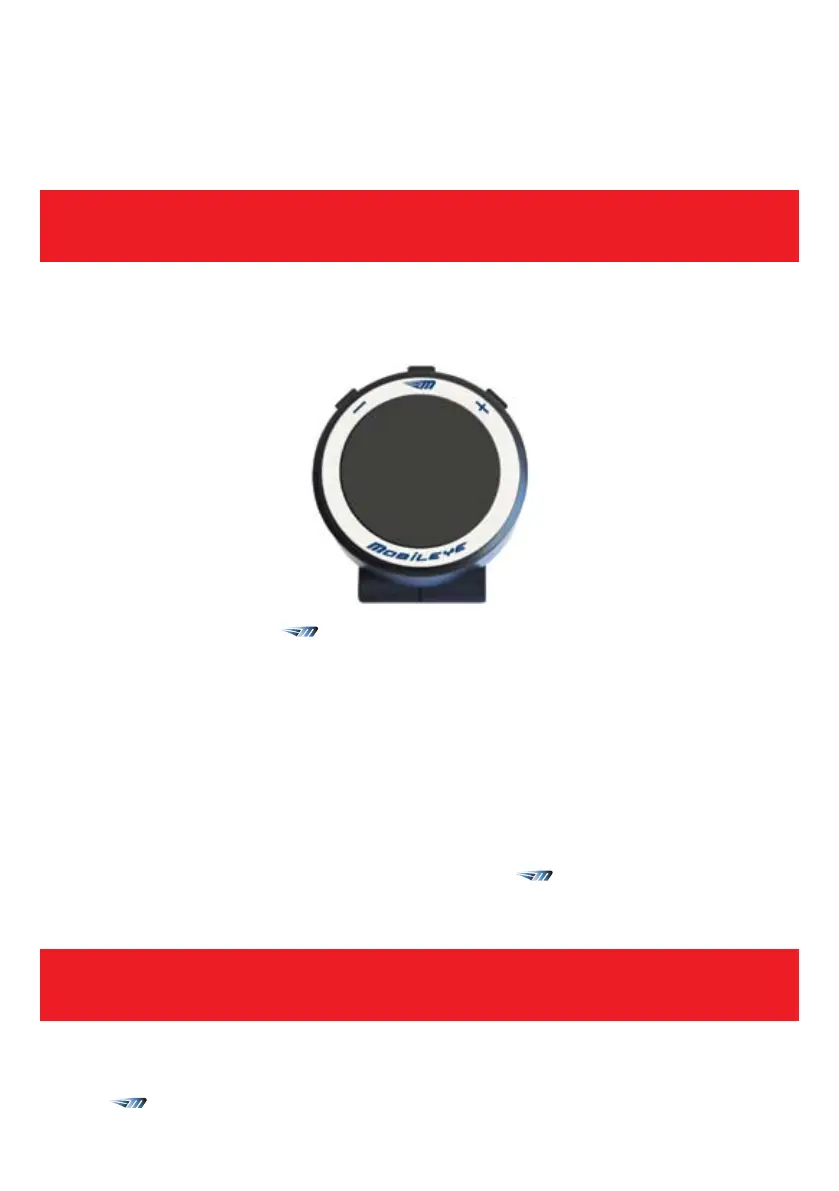
Control BUttons
WARNING!
Do not adjust Mobileye C2-270 controls while driving!
10.1.2. Setting the Brightness Level
The Brightness level of the Mobileye C2-270 display unit can be modified by pressing
on the (
) button once. By pressing the (+) (-) buttons you can decrease or increase
the brightness level. There are 5 available levels (1-5).
Minus
button
Plus
button
Mode
button
Control buttons
WARNING!
When the Mobileye C2-270 is turned OFF, no warnings will be issued.
10.1. Mode Selection ( )
This button lets you adjust the following functionalities:
l
System On/OFF
l
Display Unit Brightness Level
l
Timing of HMW audio alerts
l
Sensitivity of LDW alerts
l
Sensitivity of PCW alerts
10.1.1. System ON/OFF
To turn OFF the Mobileye C2-270, press and hold the ( ) button for 1.5 seconds
until the system shuts off.
To turn ON the Mobileye C2-270 again, press any button once.



 To Next Page