Section 3
Getting Started
3.1 Turning on Mobileye C2-270
The system is turned on automatically when the car is started.
NOTE: The Mobileye C2-270 is fully operational and requires no additional setup
by the driver. Should the need arise to change the C2-270 configuration, please
refer to section 8 of this manual before trying to use the Mobileye C2-270 control
panel. Careless changes in system settings may result in undesirable behavior.
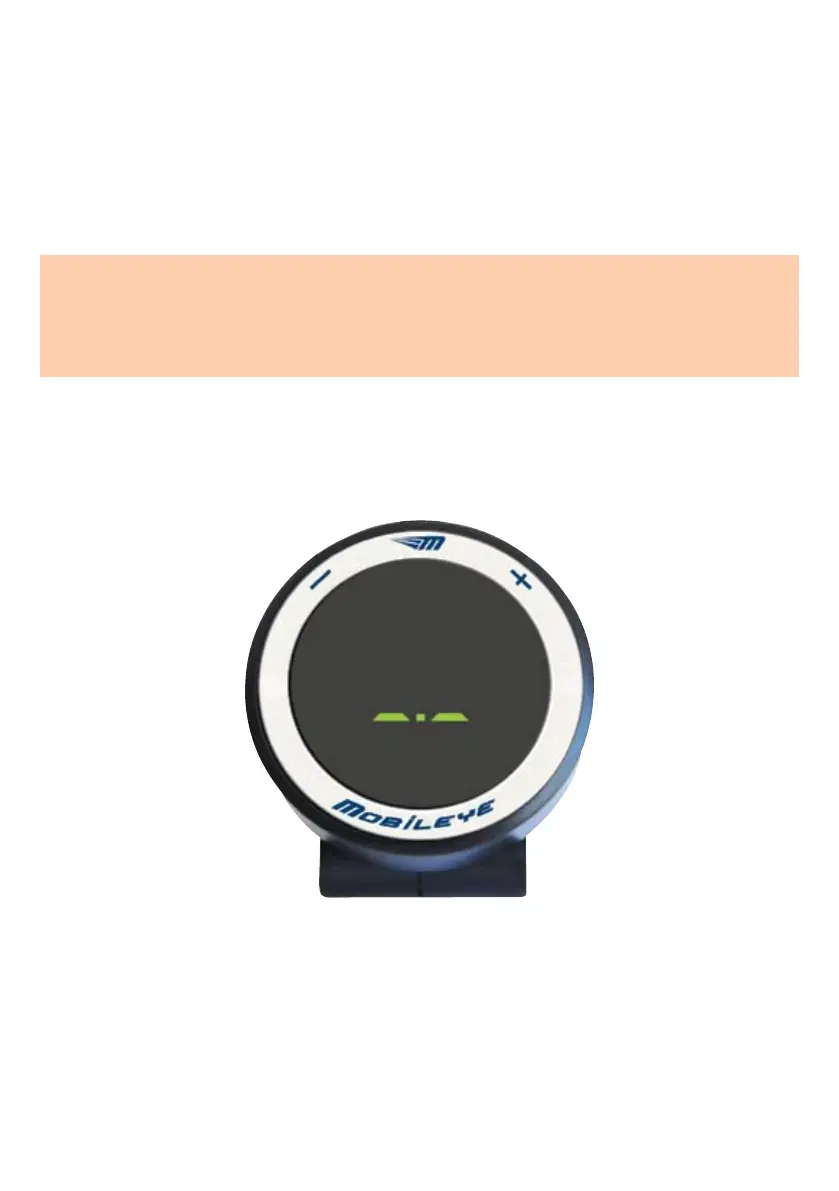
Seconds after starting the car, the Mobileye C2-270 display, will show the “System
Ready” screen.
The displayed elements on the “System Ready” screen are:
l
“_ . _” A green dot (in the center part of “System Ready” screen) indicates
that Mobileye C2-270 is On (operative)
l
“_ . _” – Zero Speed Indication - this indication (in the center part of
“System Ready” screen) appears whenever the car is at a standstill. It will
disappear when the car starts moving.
Systembestandteile
The “System Ready” screen



 To Next Page