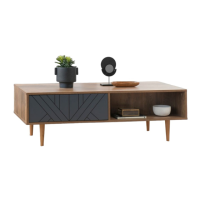
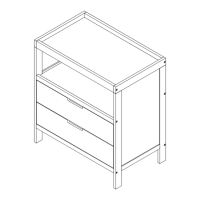
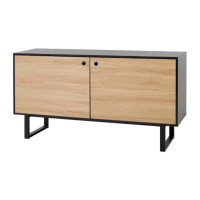
Zara Two Door Cabinet
Assembly Instructions
mocka.co.nz | mocka.com.au | PO BOX 6171, Maroochydore, QLD, 4558
7
10
11
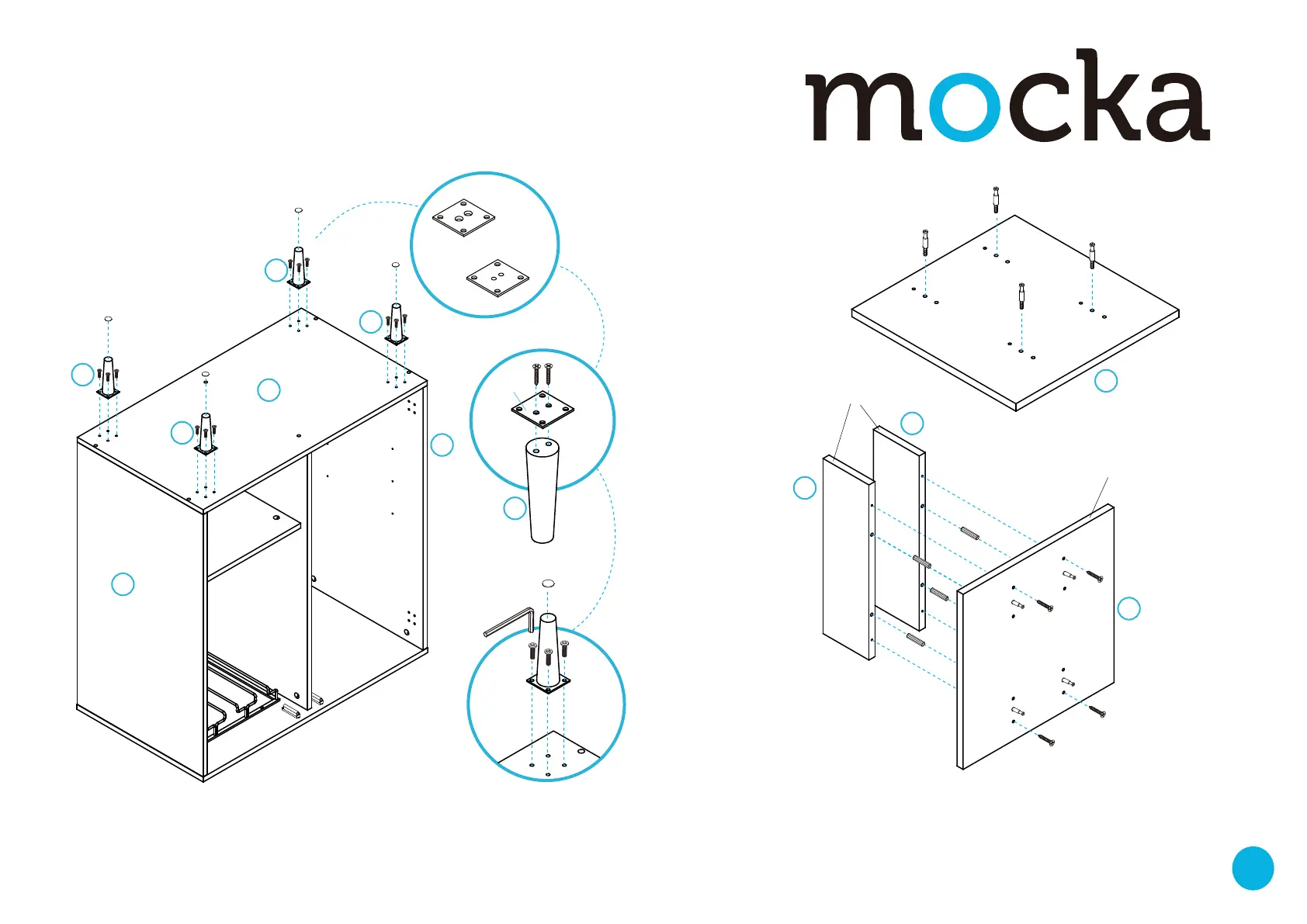
Insert 4x bolts (C) into panel [10]. Tighten with a screwdriver. Attach
panels [11] to panel [10] with 4x dowels (A) and secure with 4x screws (B).
Tighten with a screwdriver.
F
F
K
F
F
F
F
F
F
F F
S
G
G
G
G
G
G
S
B
B
B
B
K
K
K
H
K
8
9
9
9
9
10
10
11
11
9
2
4
Attach a leg bracket (G) to each leg [9] using 2x screws (S). Tighten
with a screwdriver. Attach each leg [9] to panel [8] using 16x bolts (F)
as shown. Tighten with an allen key (H). Attach 4x felt pads (K) to the
ends of the legs.
C
C
C
C
A
A
A
A
pvc edge
pvc edge
front
front
back


 To Next Page