73
Display
Operating Procedure
Description
“Technical” Programming
Enter Password
1
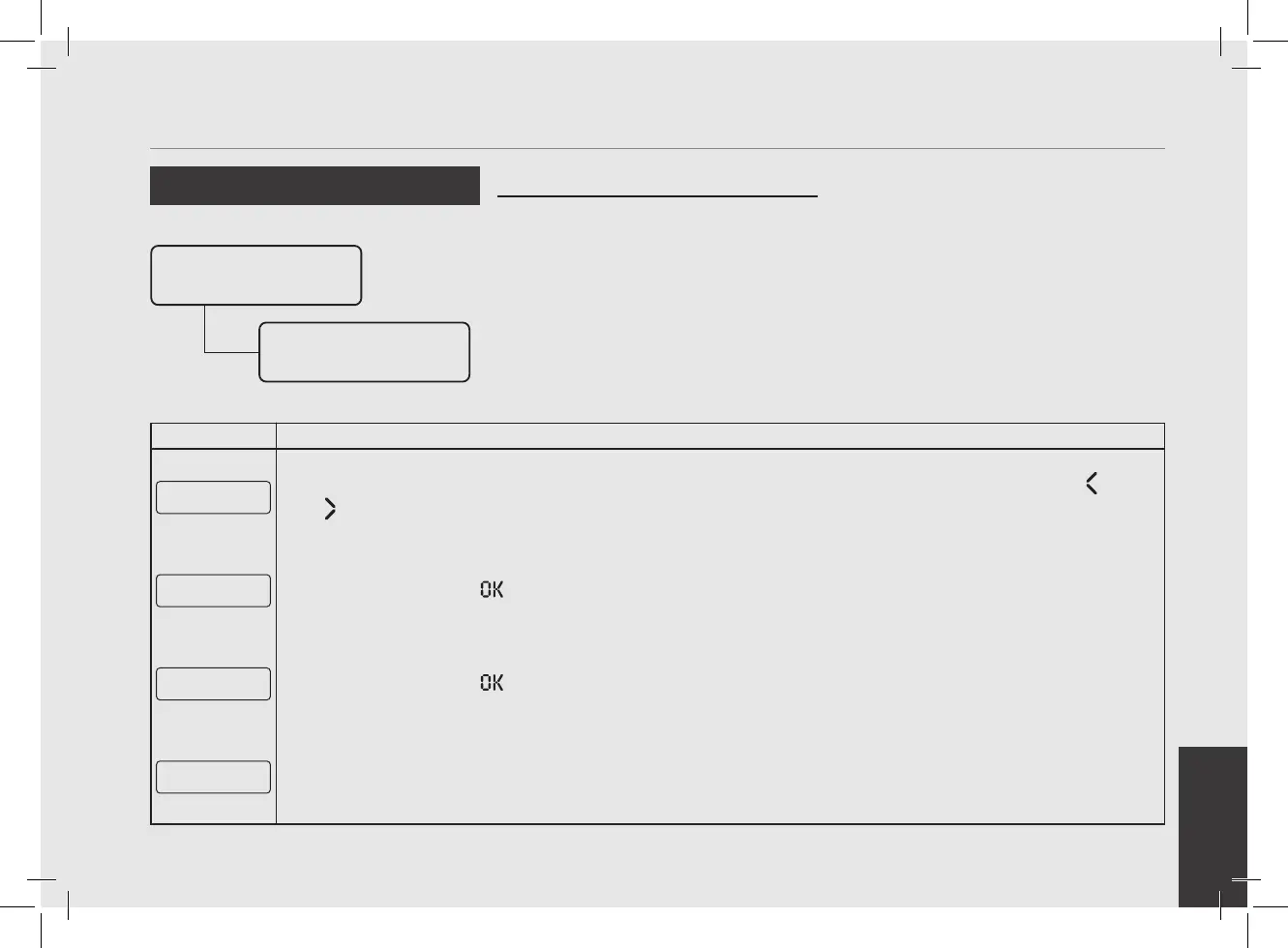
After accessing the “Technical” programming menu and entering the password, use the buttons T1 and T2
until the following screen is displayed.
Group Dose
Settings
2
Press the T3 button to enter the doses programming procedure.
Dose Settings
Reset
3
Press the button T3 to conrm the procedure
Resetting
Doses...
4
Now all settings are cleared.
• This parameter allows the operator to
cancel all the doses set.
Program Dose
Group Dose
Settings
Dose Settings
Reset



 To Next Page