58
Display Operating Procedure
Description
“Barista” Programming
• This parameter allows the operator to
program the coffee boiler temperature.
Each group can have a different
programming.
• For an espresso machine composed of 1
group you can only set the coffee boiler
1, while for an espresso machine with 2
groups you can also set the coffee boiler
2.
Coffee Boiler
G1█ MODBAR G2█
163Puls 0Puls
1
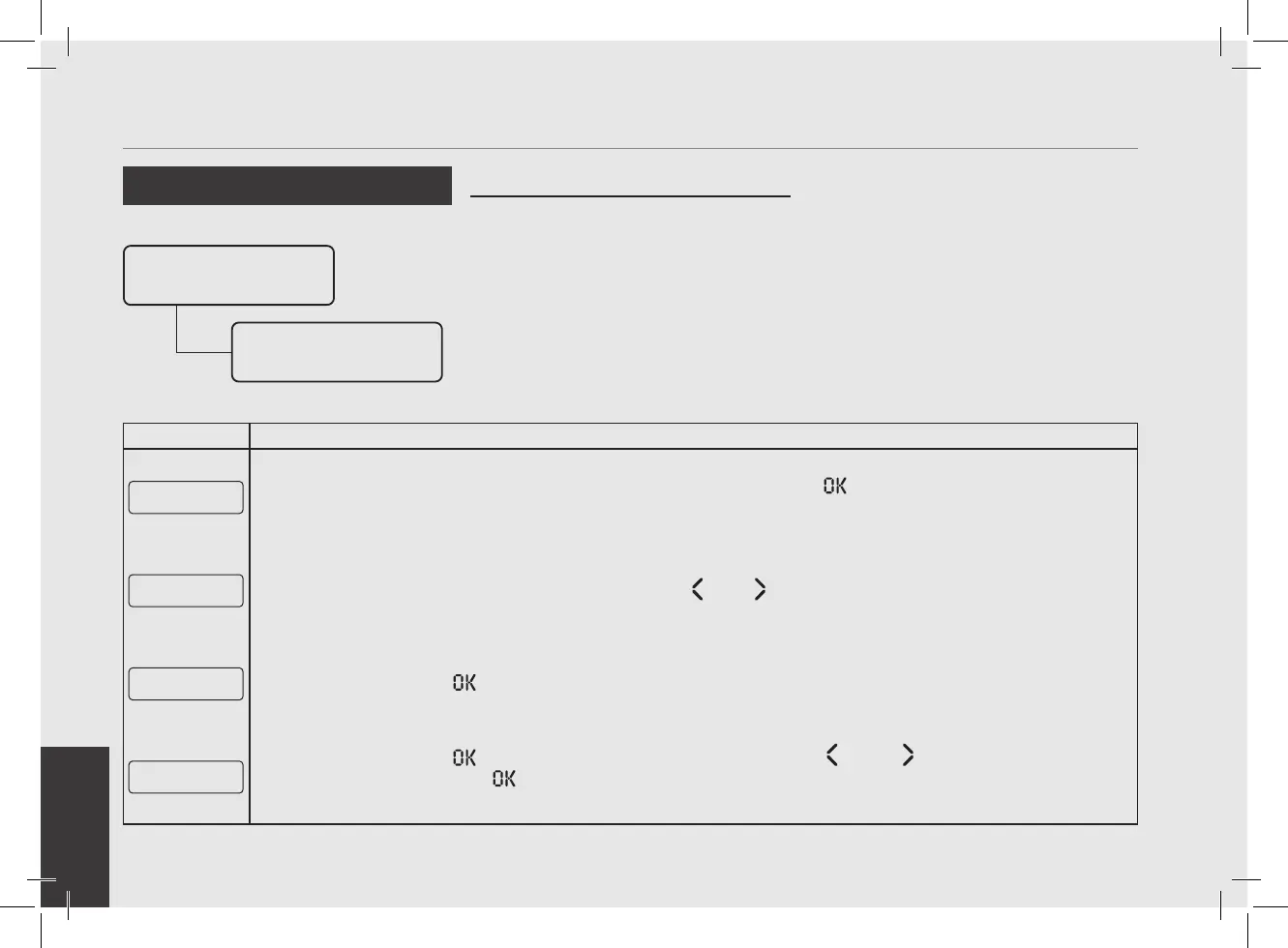
When the espresso machine is turned on, press and hold the T3 button to access the “Barista” programming.
After about 5 seconds the following screen is displayed.
Group Dose
Settings
2
Move between the parameters using the buttons T1 or T2 until the display shows:
Coffee Boiler
Settings
3
Press the T3 button to enter the menu.
CB1 Temperature
94,5°C 95,0°C
4
Press the T3 button to enter the menu, move with the buttons T1 and T2 to set the desired tempera-
ture, press the T3 button to conrm the value. The temperature indicated on the left is the actual tem-
perature of the group while the temperature on the right is the set temperature.
Group Dose
Settings
Coffee Boiler
Settings



 To Next Page