93
Display
Operating Procedure
Description
“Technical” Programming
Enter Password
Pre-Inf
Settings
• This parameter allows the operator to
program the time of pre-brewing of
water with the coffee. Each group can
have a different programming.
• Pre-brewing has only two values to be
adjusted for each group. The time (in
seconds) for which the brewing valve
is open during the pre-brewing cycle
and the time (in seconds) for which
the brewing valve is closed during the
pre-brewing cycle; during this time the
pump is active. Once the pre-brewing
cycle is over, the normal brewing cycle
will continue until the end.
• For an espresso machine composed of
two groups, they are identied as Group
1 and Group 2.
Pre-Infusion or Pre-Brewing
Enter Password
1
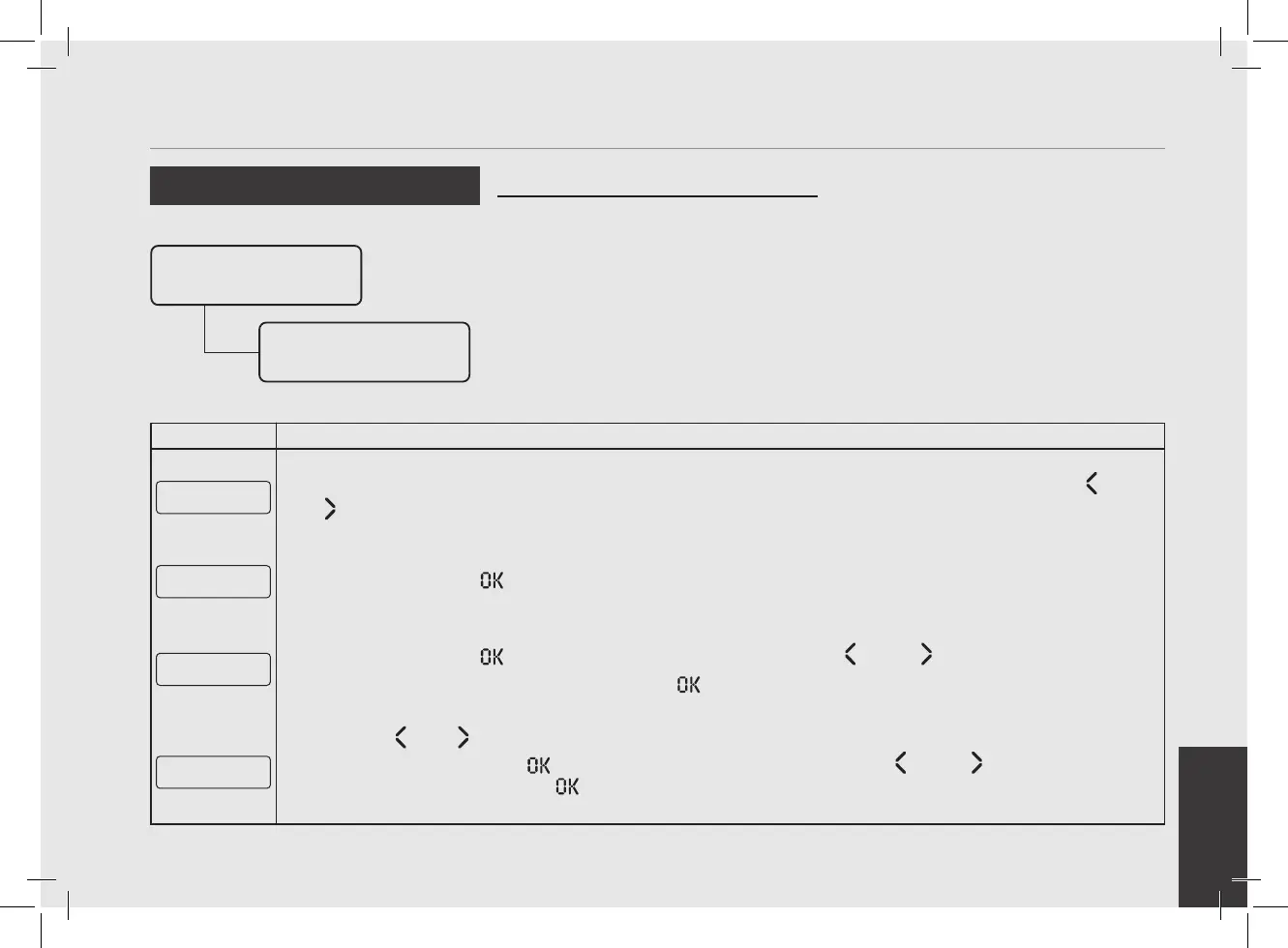
After accessing the “Technical” programming menu and entering the password, use the buttons T1 and T2
until the following screen is displayed.
Pre-Inf
Settings
2
Press the T3 button to enter the menu.
Pre-Inf
ENABLED
3
Press the T3 button to access the menu, then navigate using T1 and T2 to choose between
ENABLED and DISABLED, press the T3 button to conrm the option.
Group 1 Pre-Inf
2s Wet 0s Hold
4
Press T1 or T2 to select the group whose parameters you want to set.
By pressing the T3 button
the rst value will blink. Use the buttons T1 and T2 to reach the value
that you want to set, press T3 to conrm. Repeat this operation to set the second value.
To set the preinfusion time 2 seconds minimum.



 To Next Page