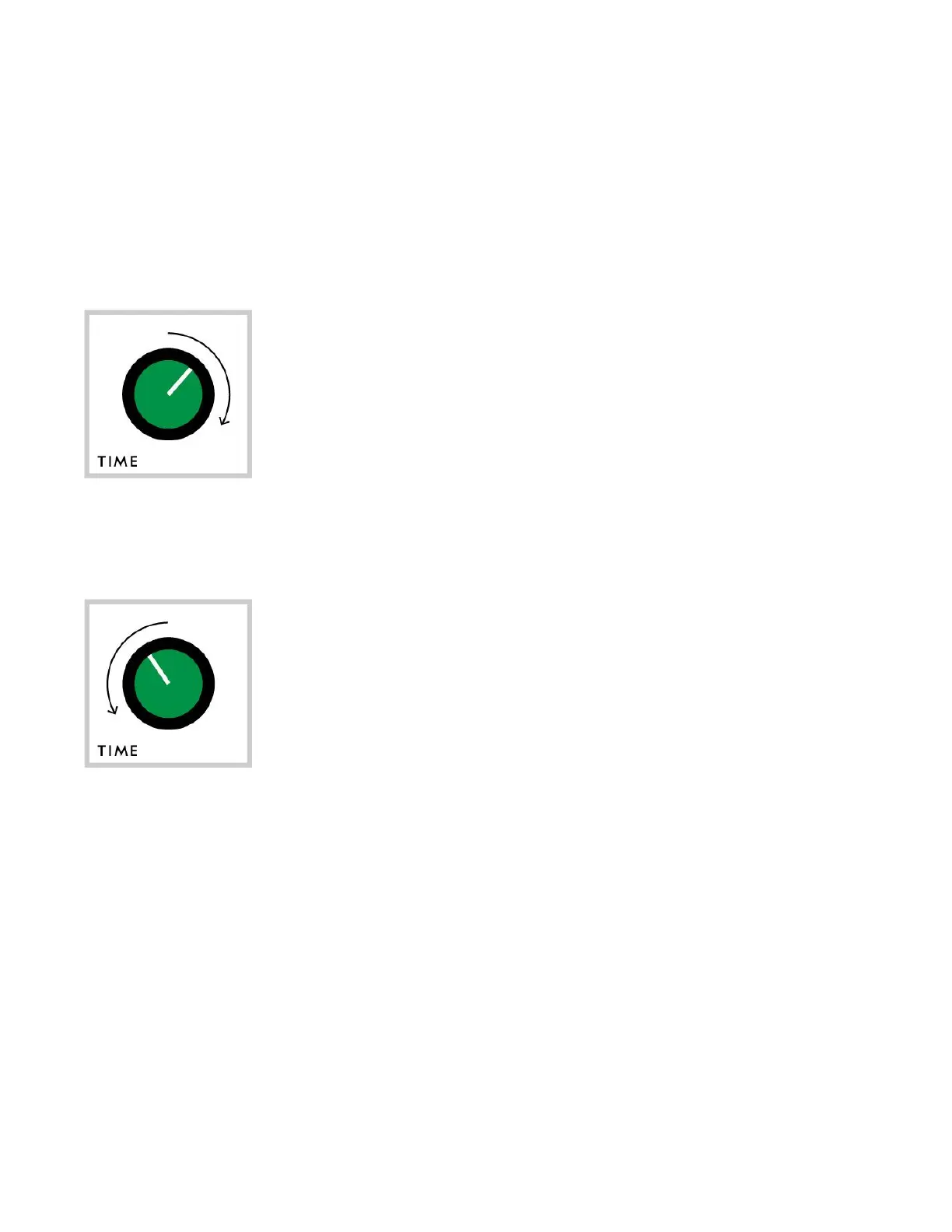
TIME
The TIME knob adjusts the delay time and blends between different delay and
reverb effects modes.
Analog-style delay
From noon to the full CW position, the TIME knob adjusts
the delay time like a traditional analog-style delay
effect. The farther CW the knob is turned, the longer
the delay time.
Glitch delay and reverb
The glitch delay and reverb modes are accessible when
the TIME knob is within the no
on to full CCW range.
Clock-based delay – When the TIME knob is between about
10 and 12 o’clock, the delay time is derived from
divisions of the clock rate as well as the knob position
of the active steps of both sequencers.
Shimmer reverb – As the TIME moves from about 10 o’clock to full CCW
position, effect blends from delay into reverb. Use the INTENSITY knob to
dial in the reverb level and amount of
shimmer (pitched-shifted reverb.)
20


 To Next Page