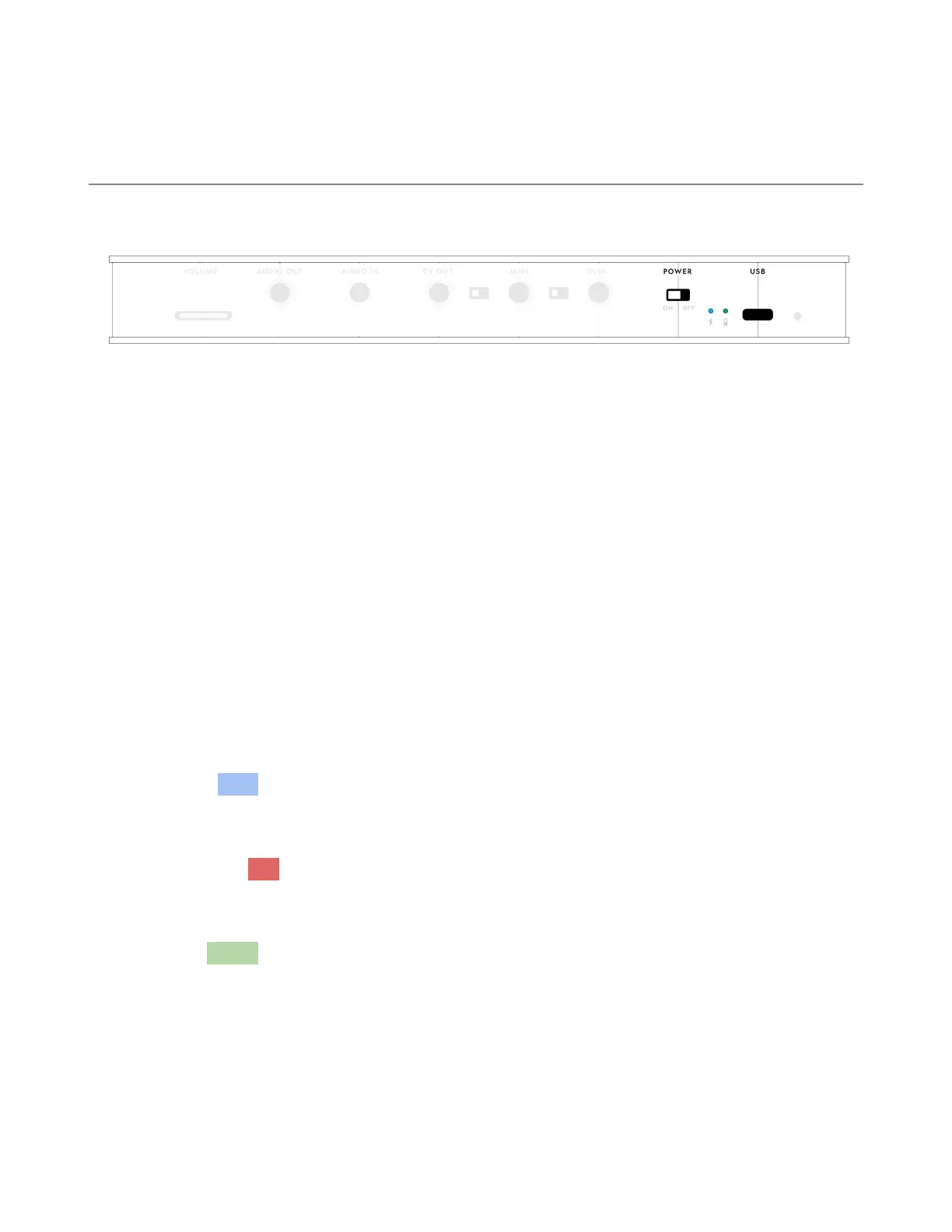
Power
Basics
Turn Pluto on by sliding the POWER switch to the ON position.
Use the provided USB cable to connect Pluto to a power source. This will
power Pluto and charge the internal battery. Use only a USB-C cable to power
Pluto.
Battery
Pluto has an internal rechargeable battery. LEDs on the back panel will
indicate the status of the battery.
Charging – A blue light above the CHARGE icon indicates that Pluto is
r
eceiving power and the battery is charging.
Low battery – A red light will blink above the BATTERY icon when the battery
is low. If it's VERY low, the red light will be solid.
Charged –A green light appears above the BATTERY icon when the battery is
fully charged.
8


 To Next Page