RESEARCH AND DEVELOPMENT
19
2) Pull out the control panel with the relative PC board first from below as highlighted below.
3) Disconnect the wires connected to the various terminals of the PC board, taking note of
their connection beforehand.
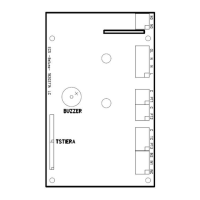
4) Unscrew the 9 self-locking nuts which secure the PC board to the control board and
disconnect it. Position the new one making sure to place plastic spacers between the 2.
Cavity temperature
probe
element probe
elememt
Power 230V


 To Next Page
