RESEARCH AND DEVELOPMENT
20
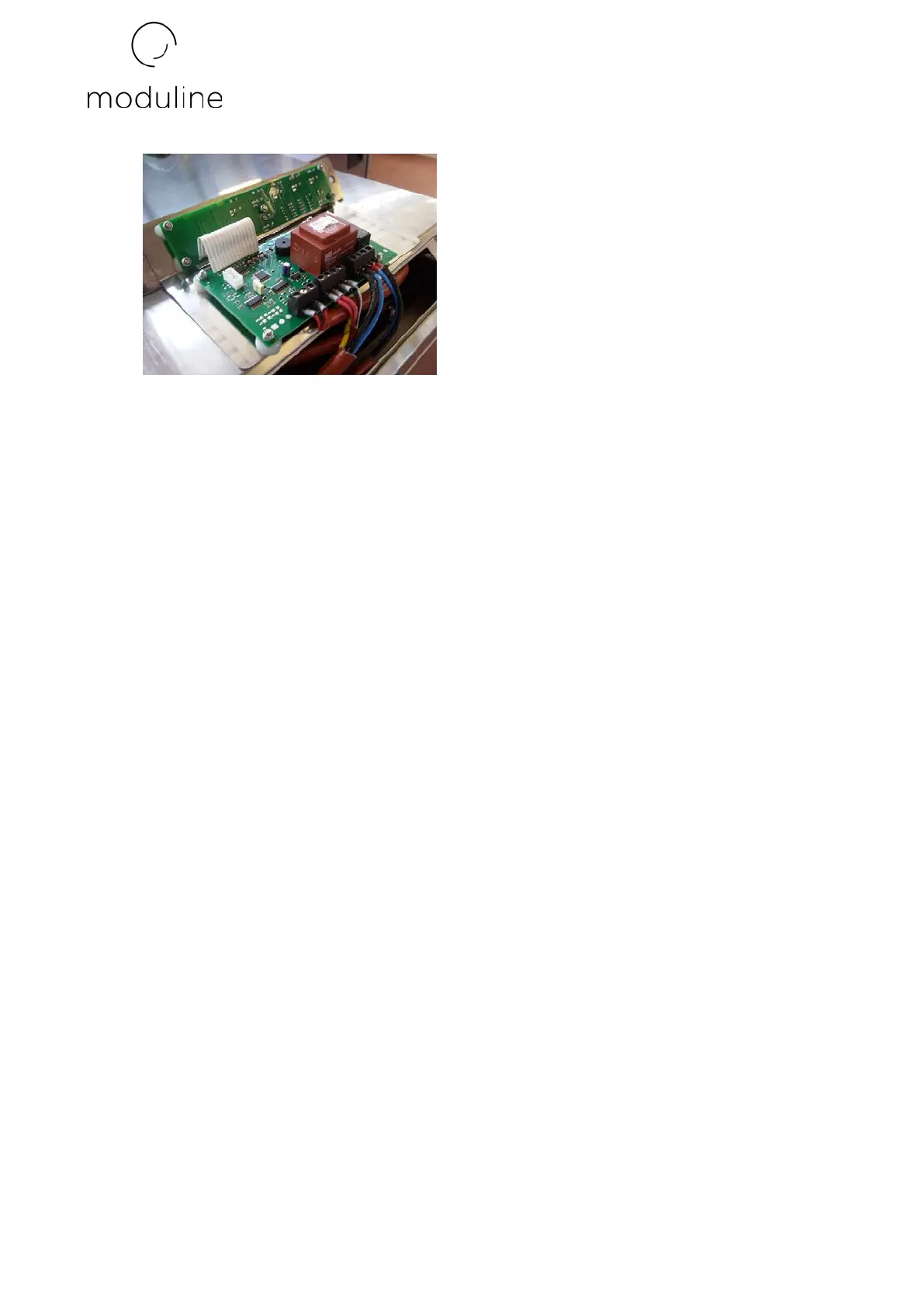
5) Screw the self-locking nuts back on. The nuts of the PC board with the terminal board for
connection of the electric wires must be closed firmly without being overly tightened. As
for the small PC board with the display, the nuts must be screwed so that when the various
controls on the board are pressed you feel that the buttons on the circuit board intervene
correctly.
6) Reconnect the electric wires respecting their original connection.
7) Reposition it all inside the machine.
8) Re-screw the 2 screws blocking the control panel.
9) Set the parameters of the new board since all spare PC boards are supplied with the same
setting.
- SETTING PC BOARD PARAMETERS
Despite the fact that whenever a new product is installed it already has its own specific
parameters settled, at times they must be reconfigured. In order to receive the specific
parameters and the procedures to be followed to set them, refer to the Moduline Technical
Assistance Service specifying the serial number of the appliance.
- REPLACING GENERAL FUSE
To replace the general fuse, proceed as follows:
1) Unscrew the 2 screws blocking the control panel.


 To Next Page