RESEARCH AND DEVELOPMENT
18
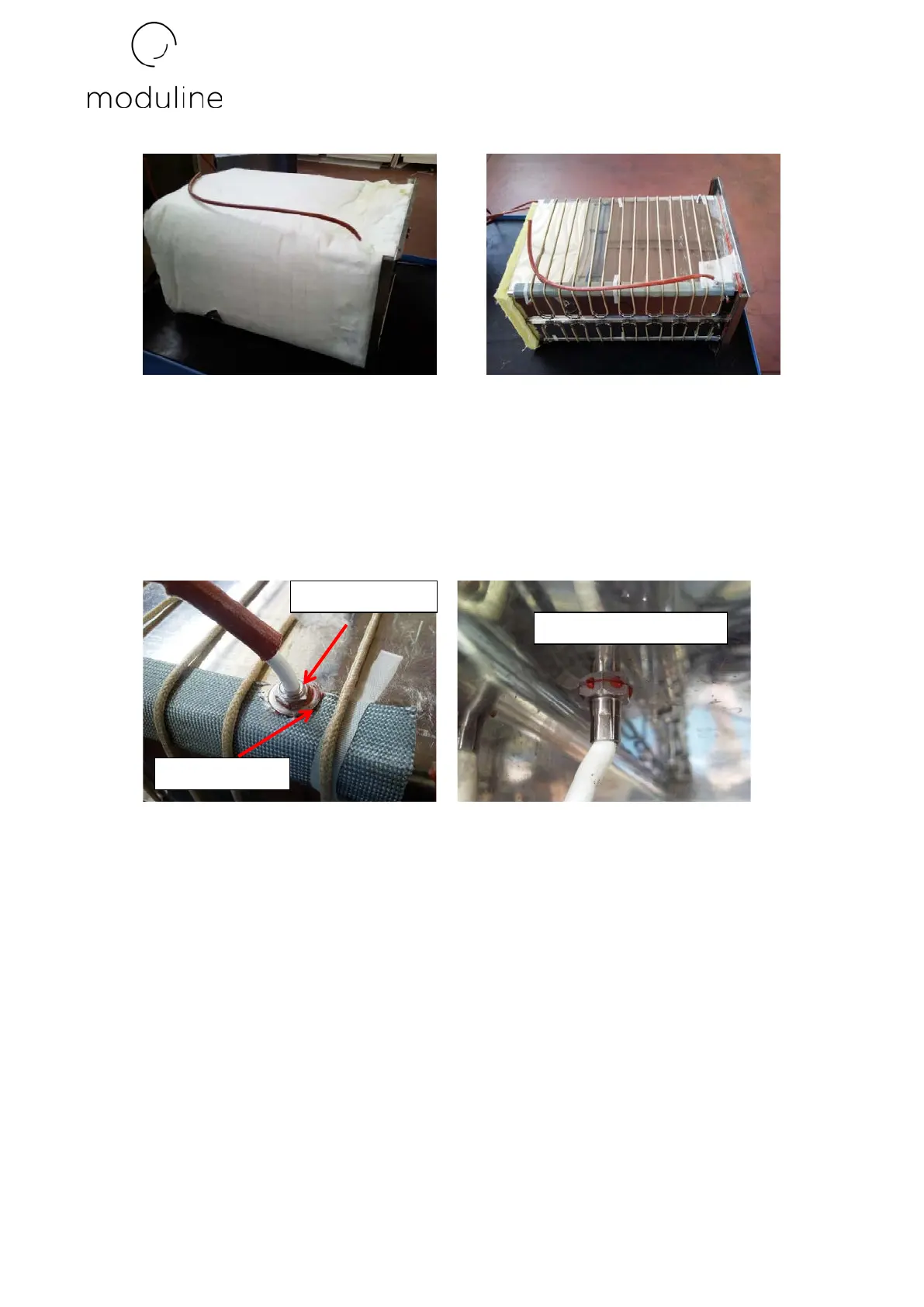
6) Unscrew the threaded nut which secures the core probe to the cavity. Then pull the probe
out of the cavity. Mount the new core probe making sure to apply silicon between the
cavity and flat washer placed before the threaded locking nut. To guarantee correct drying
and sealing of the silicon, wait 24 hours before switching the machine on and heating the
cooking chamber.
7) Reposition the thermal insulation and close the machine by repeating the operations
described in points 1-2-3-4-5 in the opposite order.
- REPLACING PC BOARD
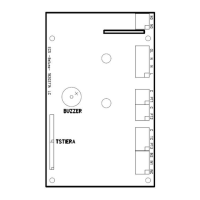
To replace the PC board, proceed as follows:
1) Unscrew the 2 screws blocking the control panel.


 To Next Page