10
7.2.5 Buffer Resetting Procedure
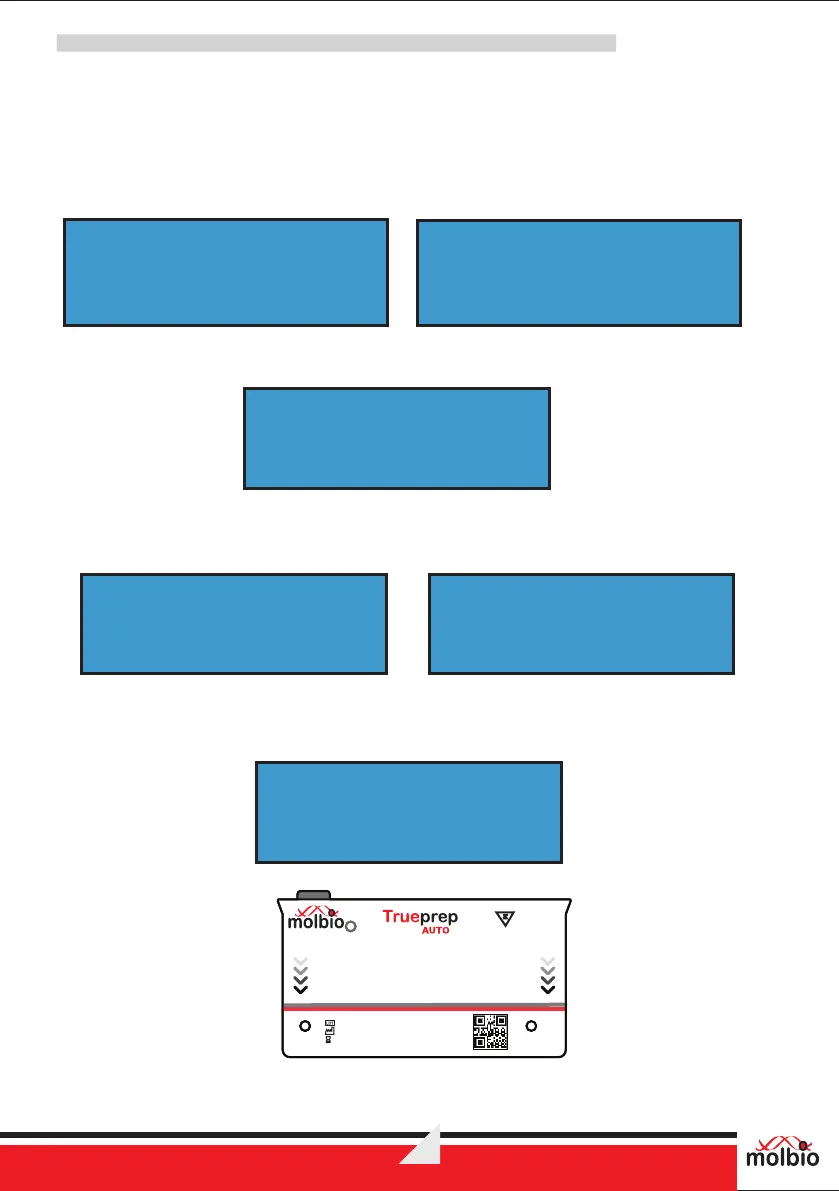
When buffer count is completed (buffer count=25/50), the device will prompt for changing Reagent
pack and resetting buffer count.
7.2.5.1 When QR code scanning disabled:
Following will be displayed on screen alternatively, once buffer count reaches 25/50.
Press Start and Eject button together, buffer count will reset to zero and following will be displayed.
7.2.5.2 When QR code scanning enabled:
Following will be displayed on screen alternatively, once buffer count reaches 50.
Press Eject, insert Reagent Reset Card provided with the new Reagent pack, close the tray and
press start. Once the buffer count has reset to zero, following will be displayed on screen.
®
BY PRESSING START
& EJECT SW
SHUTTING DOWNCHANGE REAGENT
PACK & RESET
SHUTTING DOWNSETTINGS SAVED
SHUTTING DOWN
INSERT REAGENT RESET
CARD & START
SHUTTING DOWN
NEW REAGENT PACK
CHANGE REAGENT
PACK
Figure 9: Reagent Reset Card for 50 Tests pack size
Reagent Reset Card
(This side towards the device)
Universal Cartridge Based Sample Prep Kit
®
50
FIFTY TESTS
®
v2
Lot No.:
Mfg. Dt.:
Exp. Dt.:
®
Trueprep AUTO v2


 To Next Page