7
®
7 Using the Trueprep AUTO v2
®
7.1 Charging/Using the Trueprep AUTO v2 with the AC Adapter
®
7.1.1 Press the Power button to switch on the Trueprep AUTO v2
7.1.2 Low battery
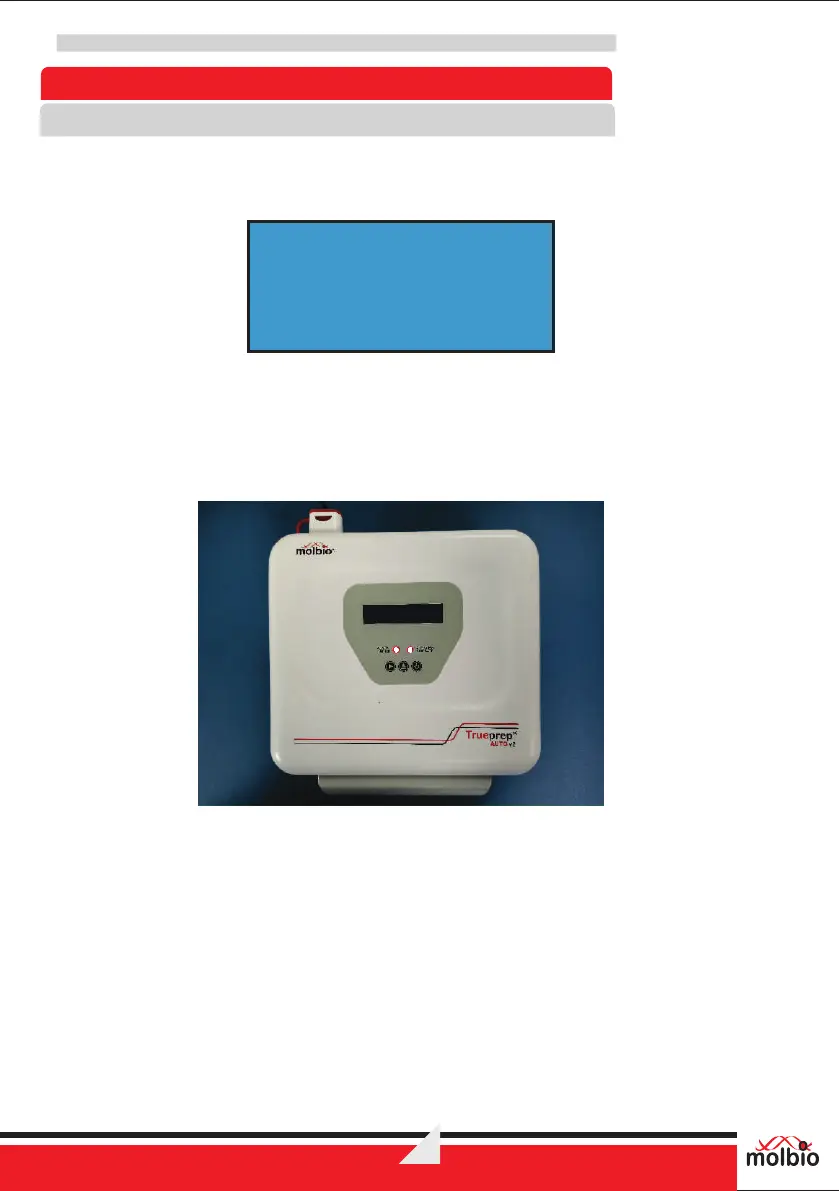
If the battery charge is low, you will see the above alert message
The Charging/Low Battery LED Indicator will glow red and you will also hear a beeping
®
sound. The Trueprep AUTO v2 device can not begin a new run if the battery is low.
Fig 4: Low battery LED glowing red
7.1.3 If the battery charge is full or sufficient to carry out a run, the Charging/Low Battery LED Indicator
®
will stay off. You may proceed to use Trueprep AUTO v2 on battery charge.
®
For charging or to use Trueprep AUTO v2 on mains, connect the AC Adapter to the Charging
Port on the right side of the back panel of the device.
BATTERY LOW !
CONNECT CHARGER
®
®
Trueprep AUTO v2


 To Next Page