17
®
®
Trueprep AUTO v2
E13
Error
Code
Display message
Error
Type Description
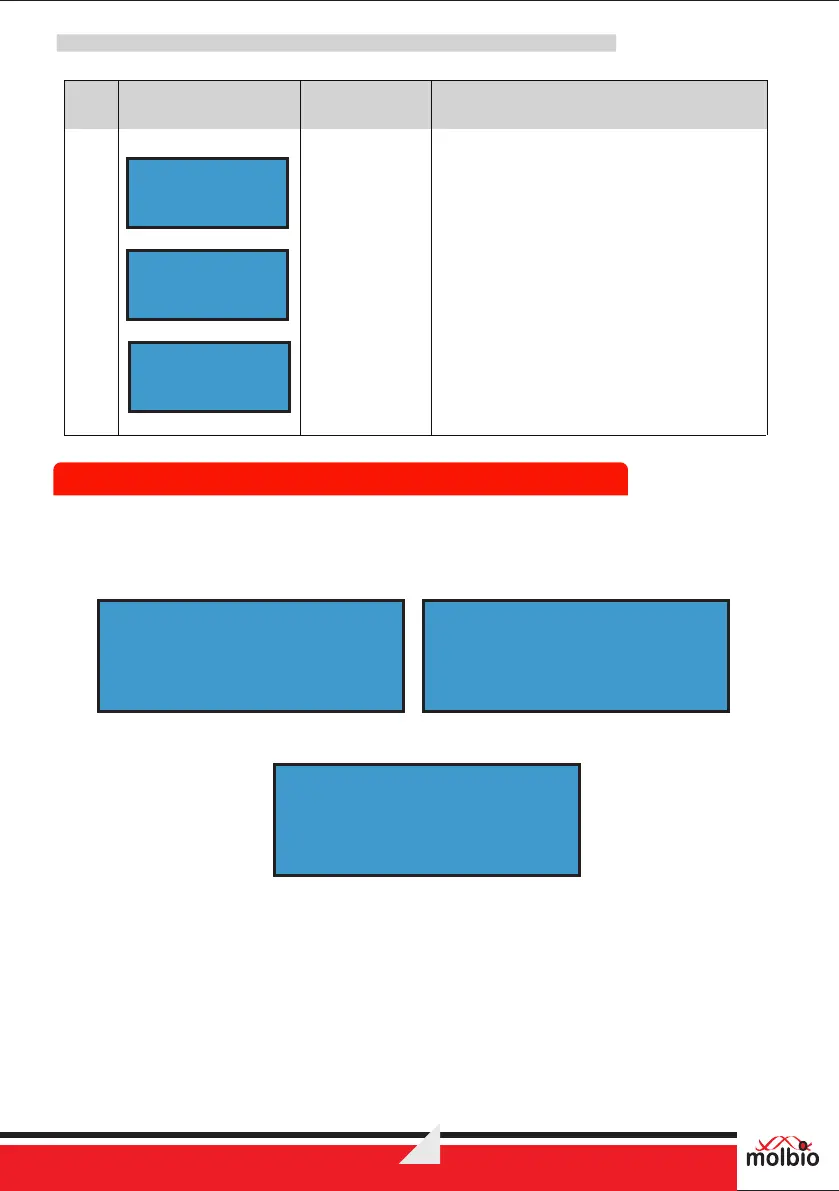
The Screen displays the error message
“E13: SELF TEST FAILED” current base
pressure value and instruction “Press Eject
to exit” alternatively.
Solution: Check for any rubber stuck to the
Dump Nozzles (D1 & D2)
E13:SELF TEST
FAILED
BASE PRESSURE
p=x.xxx
Press Eject
to exit
Device
Errors and
warnings
8.2.1 Accessing Menu
®
Ÿ Press and hold ‘Start Button’ and ‘Power Button’ on the Trueprep AUTO v2. Firmware Version
and Total run status counts will be displayed on the screen as given below.
Ÿ Release both the buttons, when following is displayed.
Ÿ In the menu, the first line of LCD display shows different function options. The second line displays
navigating options for next (>: Eject Button) and back (< : Start Button). The ‘Power Button’ allows
selection of currently displayed item.
8.2.2 Exiting User Menu
Ÿ Navigate to and select following item to exit from the menu.
8.2 User Menu
Firmware Ver: X.X
Buffer Count=X X
TC=X X X X EC = X X X X
LC=X X X X CC=X X X X
- MENU -


 To Next Page