18
®
Note: Shutdown is disabled in menu; in order to shutdown the device, user must exit from menu and press Power Button.
8.2.3 Flushing Procedure
Ÿ Replace Reagent Pack for 25T or 50T with Distilled water, using provided Plug-in connector.
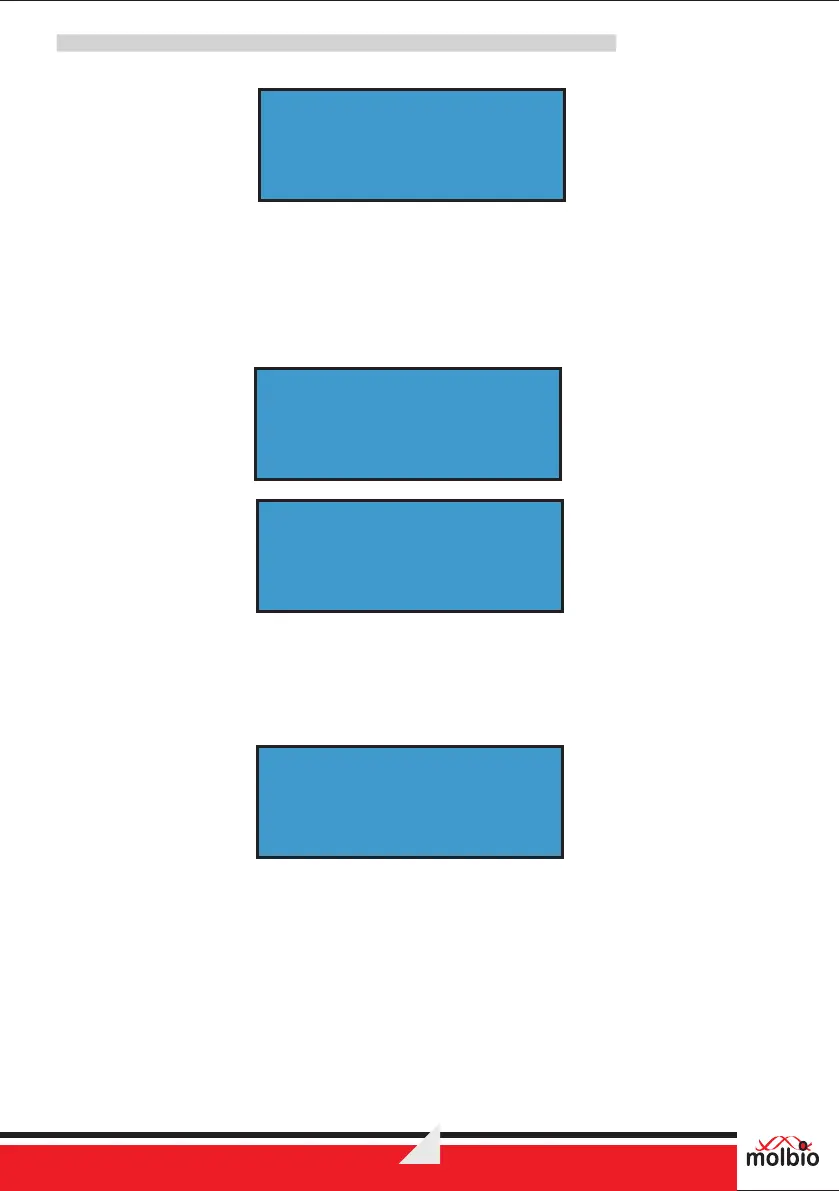
Ÿ Select “Flush” menu and once it is selected tray will be ejected. Following screens will toggle
with 2 seconds interval.
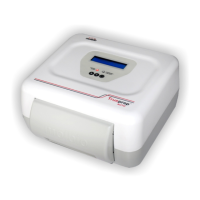
Ÿ Insert cartridge and press start, the flushing process will begin.
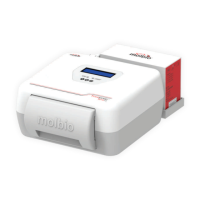
Ÿ The cartridge will be ejected once flushing is completed, following will be displayed on screen
and device will go back to menu.
Ÿ Press Power button to exit without flushing.
- EXIT-
< > OK
- EXIT-
< > OK
- EXIT-
< > OK
CONNECT
DISTILLED WATER
®
Trueprep AUTO v2
- EXIT-
< > OK
INSERT CARTRIDGE
AND PRESS START
- EXIT-
< > OK
FLUSH COMPLETED


 To Next Page