14
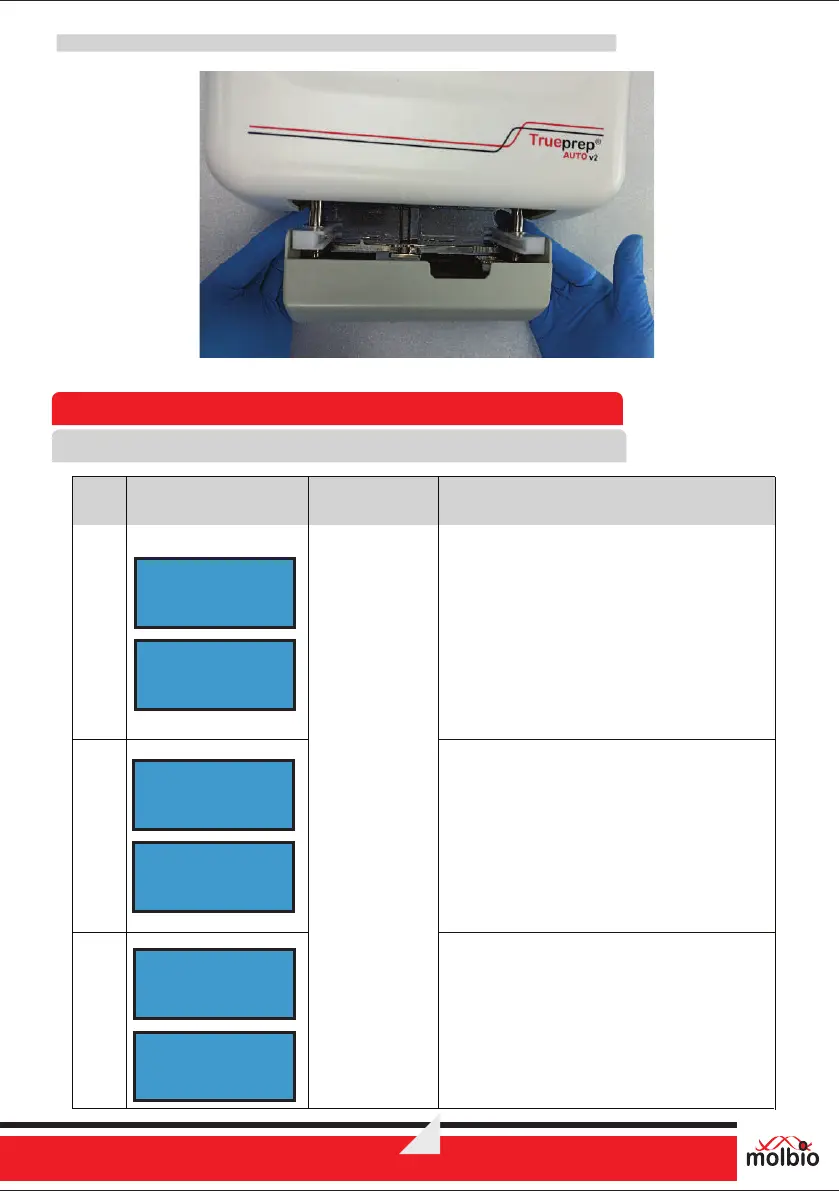
Figure 15: Replacement of discarded tray with new Replaceable
8 Errors, Alerts and Maintenance
8.1 Error Messages
®
®
Trueprep AUTO v2
E2
E3
E1
Cartridge Errors
Error
Code
Display message
Error
Type Description
The Screen displays the error message
“E1:CARTRIDGE VALVE ERROR” and
instruction “Press Eject to exit” alternatively.
Solution:
Contact Molbio’s support team
E1:CARTRIDGE
VALVE ERROR
Press Eject
to exit
E2:CARTRIDGE
ERROR
The Screen displays the error message
“E2:CARTRIDGE ERROR” and instruction
“Press Eject to exit” alternatively.
Solution:
Contact Molbio’s support team
The Screen displays the error message
“E3:CARTRIDGE CLOGGED ” and
instruction “Press Eject to exit” alternatively.
Solution:
Contact Molbio’s support team
Press Eject
to exit
E3:CARTRIDGE
CLOGGED
Press Eject
to exit


 To Next Page