MX123 Connection System User Manual - AS-34566-001 17
C. Terminal Installation (continued)
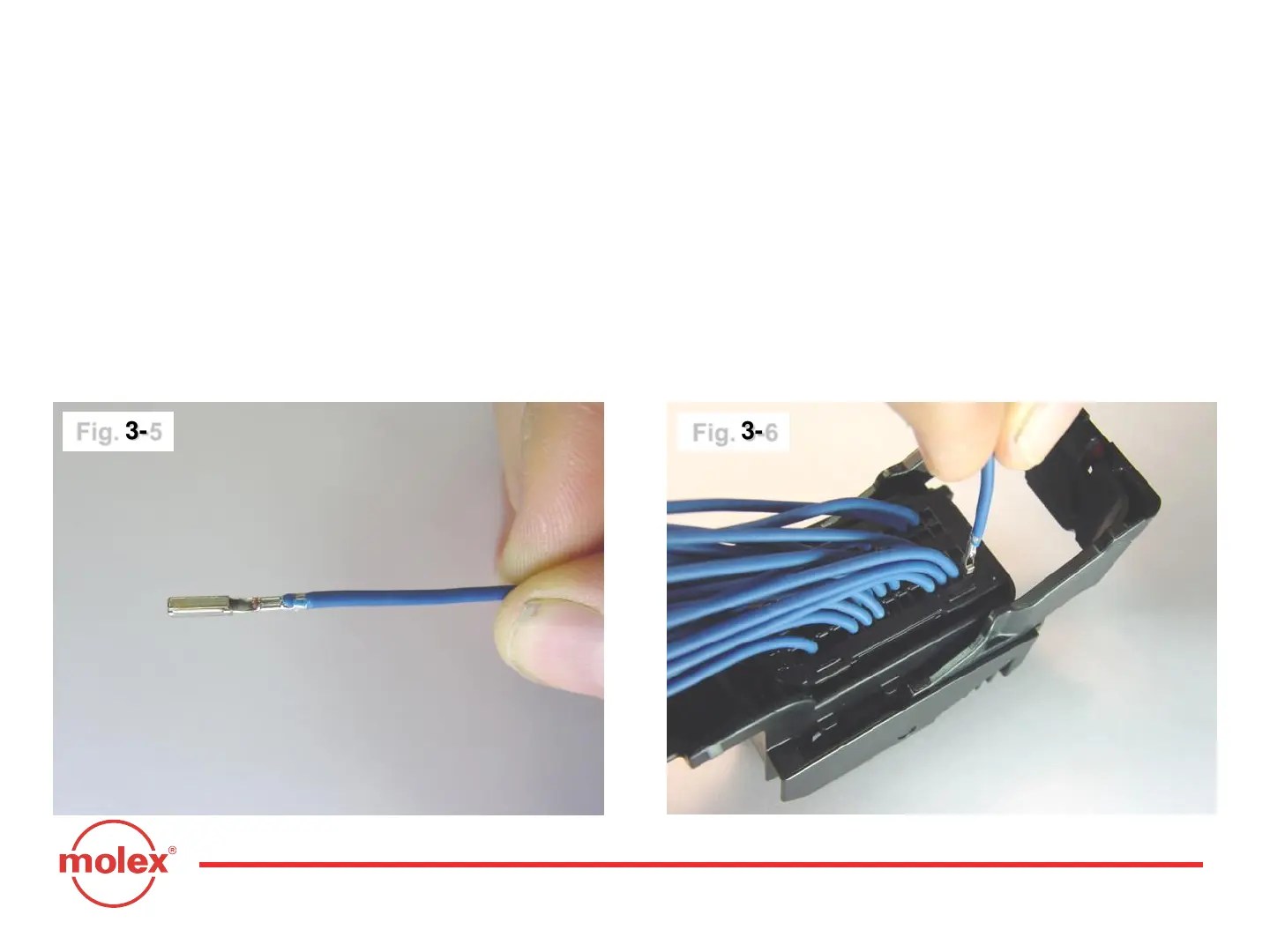
With TPA still in pre-lock position, orient terminal to rear of connector.
Grip the wire (Fig. 3-5) and insert terminal through appropriate circuit
opening (Fig. 3-6). If resistance is encountered, retract the terminal and
adjust the angle of insertion. Continue inserting the terminal until it stops
and locks up on the lock finger with an audible click. Tug slightly on wire to
ensure terminal is locked.
Section 3: Harness Assembly Instructions
Fig. 3-5
Fig. 3-6



 To Next Page