MX123 Connection System User Manual - AS-34566-001 21
G. TPA - Seating
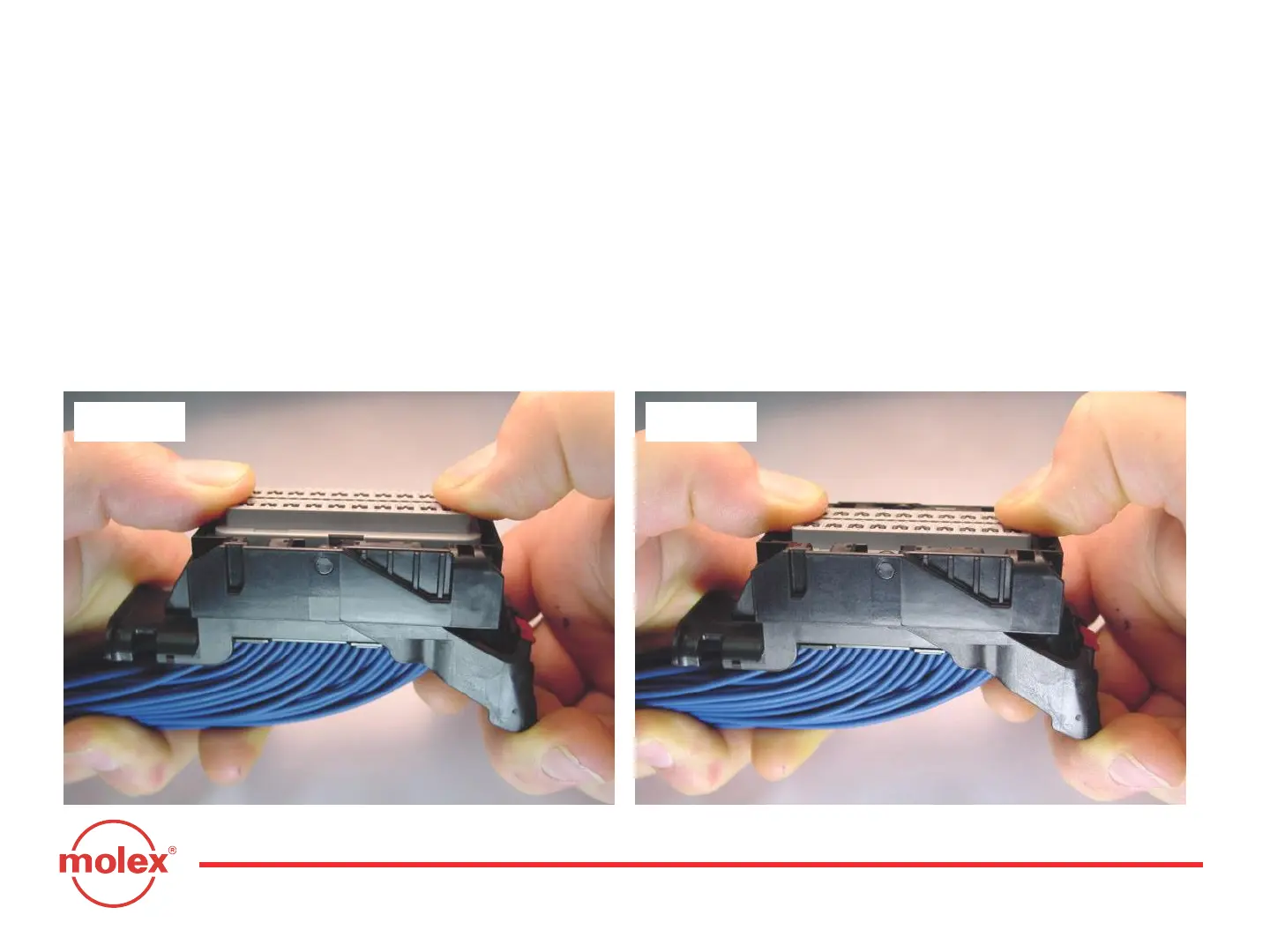
With the terminals fully installed, the TPA can be seated into its final lock
position by applying an even force to both ends (Fig. 3-7) until it comes to a
stop (Fig. 3-8). If the TPA resists, it may be detecting a partially installed
terminal. Pull the TPA back into its pre-lock position and make sure all
terminals are fully seated. Upon completion, the TPA can be seated.
Section 3: Harness Assembly Instructions
Fig. 3-7 Fig. 3-8



 To Next Page