MX123 Connection System User Manual - AS-34566-001 43
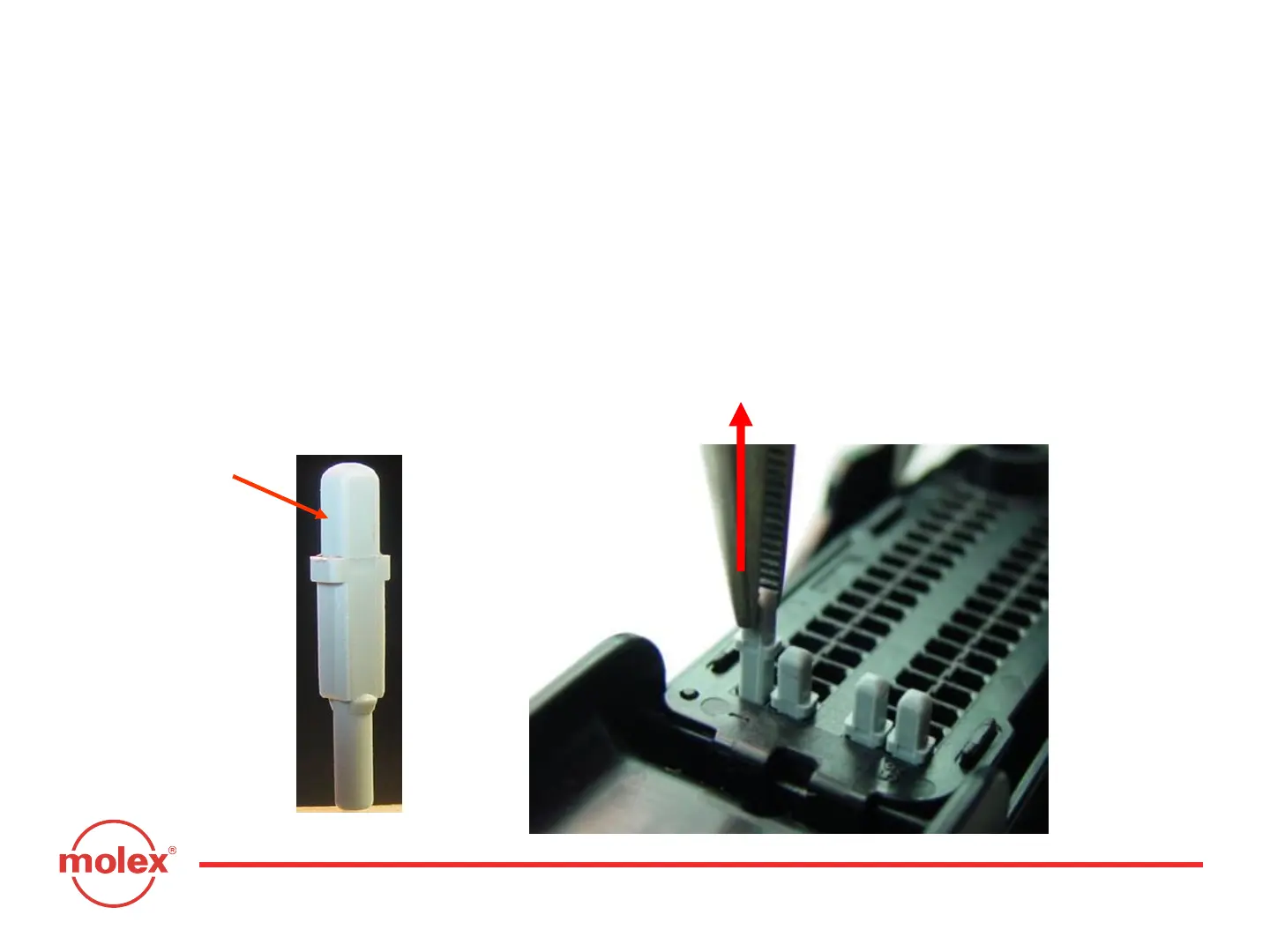
F. MX64 Grommet Seal Plug Removal
Step 1. Remove dress cover to access the 0.64mm grommet seal plugs
Step 2. Use needle nose pliers to hold head of 0.64mm grommet seal plugs.
Step 3. Pull grommet seal plug out of back of grommet cap.
Do not re-use grommet seal plug once it has been removed!
Head
Section 5: Service Instructions



 To Next Page