4.3.5.3. Option
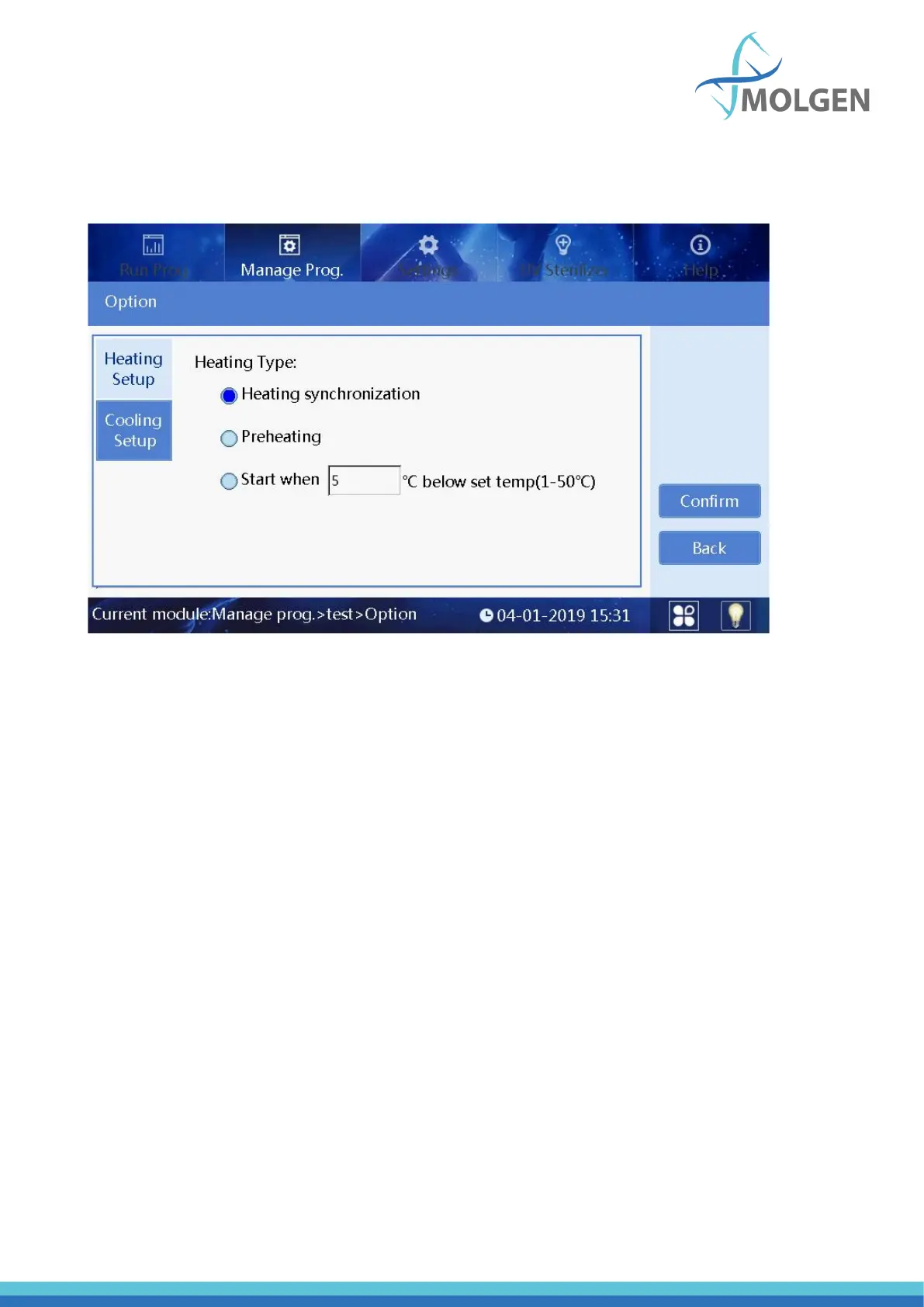
In the interface of creating or editing a program, click the “Option” to enter the option interface (seen
in figure 23). The parameters displayed are applied to the whole program.
Fig 23
The following buttons and parameters are explained:
• Confirm: Save all settings and exit.
• Back: Don’t save all settings and exit.
• Heating Setup: It is used to set the heating type.
• Heating synchronization: It indicates that the heating and magnetic rod sleeve action are
synchronous.
• Preheating: It indicates that the heating board will rise to the set temperature first, and then
the magnetic rod sleeve frame starts to work.
• Start when: It indicates that the magnetic rod sleeve frame starts to work when the
temperature raised to the set temperature which is lower than the target temperature.
• Cooling Setup: It is used to set the cooling type.
4.3.5.4. Save As/Delete
In the “Manage prog” interface, click the save as button to save the file, and click the delete button to
delete the file.



 To Next Page