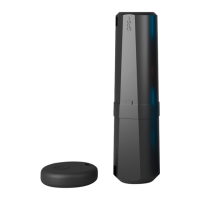
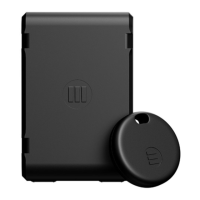
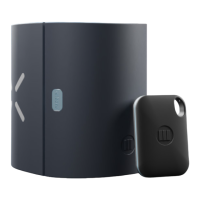
6. HOW TO CHARGE THE MONIMOTO BATTERY
1. Make sure the USB-C charging port is free from dirt or water before charging your
Monimoto, this will prevent accidental damage to the charging port.
2. Get a USB-C charging cable and adapter (not provided with Monimoto).
3. Remove rubber plug and insert USB-C charging cable into the charging port, it will start
to PULSE RED indicating battery charging.
4. Wait till reset button LED displays SOLID RED indicating full battery.
5. Remove USB-C cable and reinsert the rubber plug.
NOTE: If you lose the little rubber plug don’t worry, it is not needed
for your device to be waterproof and is only there for extra protection
against dust/dirt/grime from regular use. The charging port is
waterproof without the plug.
KEY FOB BATTERY REPLACEMENT
1. Insert a small flat screwdriver into the special hole and lift.
2. Separate the two black pieces.
3. Remove the battery by lifting it up slightly using a flat screwdriver and properly dispose
of the used battery.
4. Put a new CR2032 battery into the enclosure. The positive (+) side of the battery faces
up and the negative (-) side faces down. There should be a brief LED light indicating the
battery is properly seated.
5. Realign the two sides and firmly close till you hear a ‘click’ sound.
16


 To Next Page