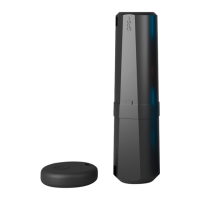
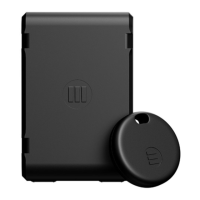
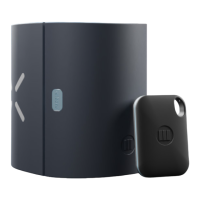
1. Press and hold the reset button for 14 seconds, the reset button LED will first display
SOLID BLUE for 3 seconds, then turn OFF, and after 11 more seconds it will start
BLINKING BLUE.
2. Release the button and there should be a short RED LED flash followed by 2 second
BLUE LED flash. This means a successful reset to default.
7. RESTORING DEFAULT SETTINGS
17


 To Next Page