– 18 –
Oven Removal
The replacement of certain components require
oven removal. (See Oven Component Access Chart.)
WARNING: The oven is heavy and requires two
people to remove it from the installation.
To remove the oven:
Remove oven doors and racks. ( See Door
Assembly and Oven Racks.)
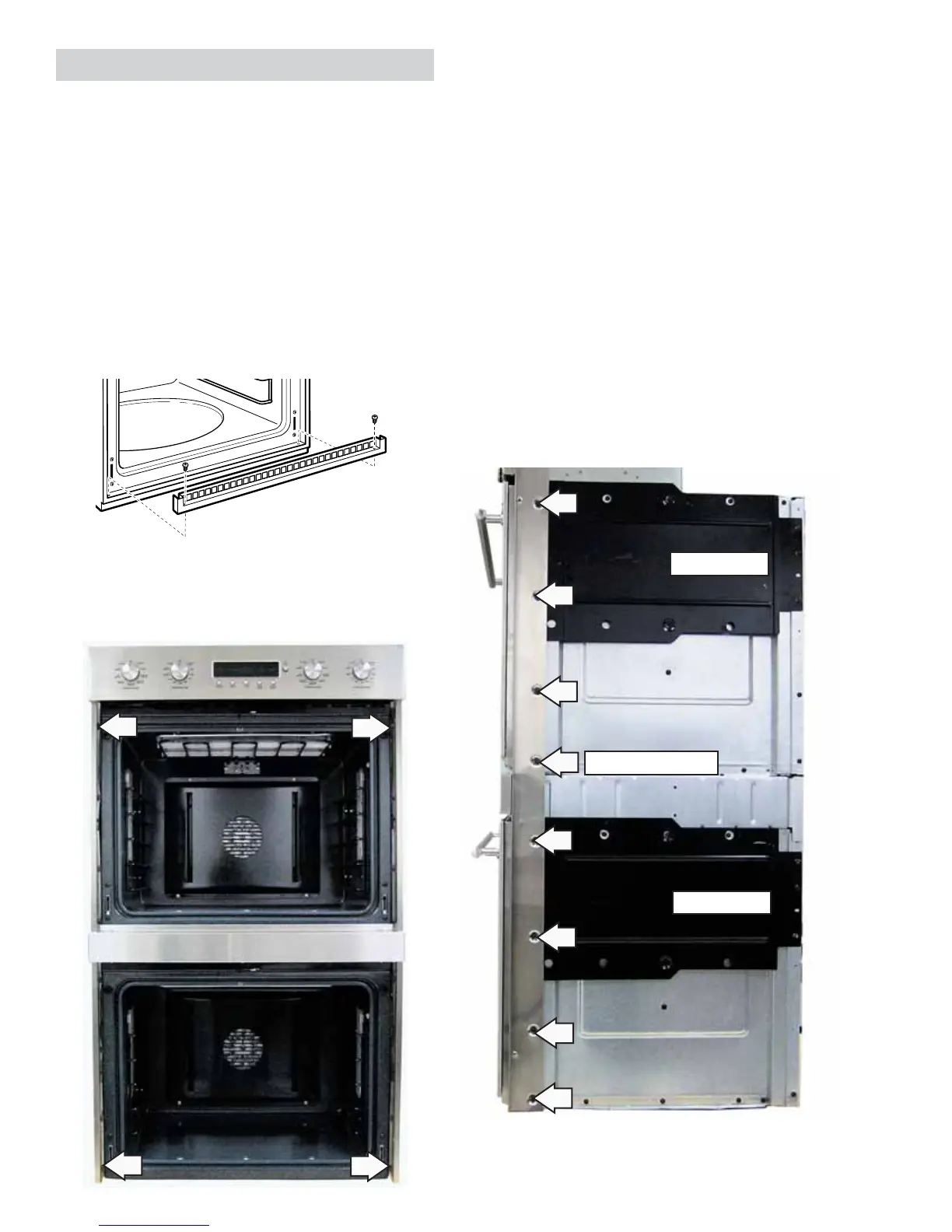
Remove the 2 Phillips-head screws that attach
the metal bottom trim to the bottom edge of the
cabinet. Remove the trim.
1.
2.
Side Trim Screws
Heat Shield
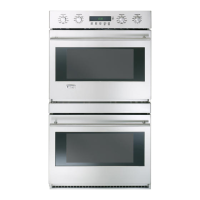
Double Wall Oven
Heat Shield
4. Pull the oven slightly forward to access some
components (See Oven Component Access Chart)
or if removing it completely, utilize a table or
platform in front of the oven and pull the oven
completely out.
Note: When reinserting ovens into cabinet opening,
ensure conduit is properly positioned behind ovens.
(See the Installation Instructions manual.)
Side Access Panels
To remove each side access panel:
1. Remove the ¼-in. hex-head screws that hold
each side trim in place. The single wall oven has
4 hex-head screws. The double wall oven has 8
hex-head screws.
(Continued next page)
3. Remove the 4 Phillips-head screws (2 on each
side) from the side trim that hold the oven in
place.
Double Wall Oven
Note: Single wall ovens do not have the black heat
shield.


 To Next Page