– 20 –
3. Remove the eight ¼-in. hex-head screws from
each side trim.
Note: The top of each side trim has a pin that fi ts
fi rmly into a keyhole slot at the top of the control
panel.
4. Carefully push the side trim down, then pull out
at the top.
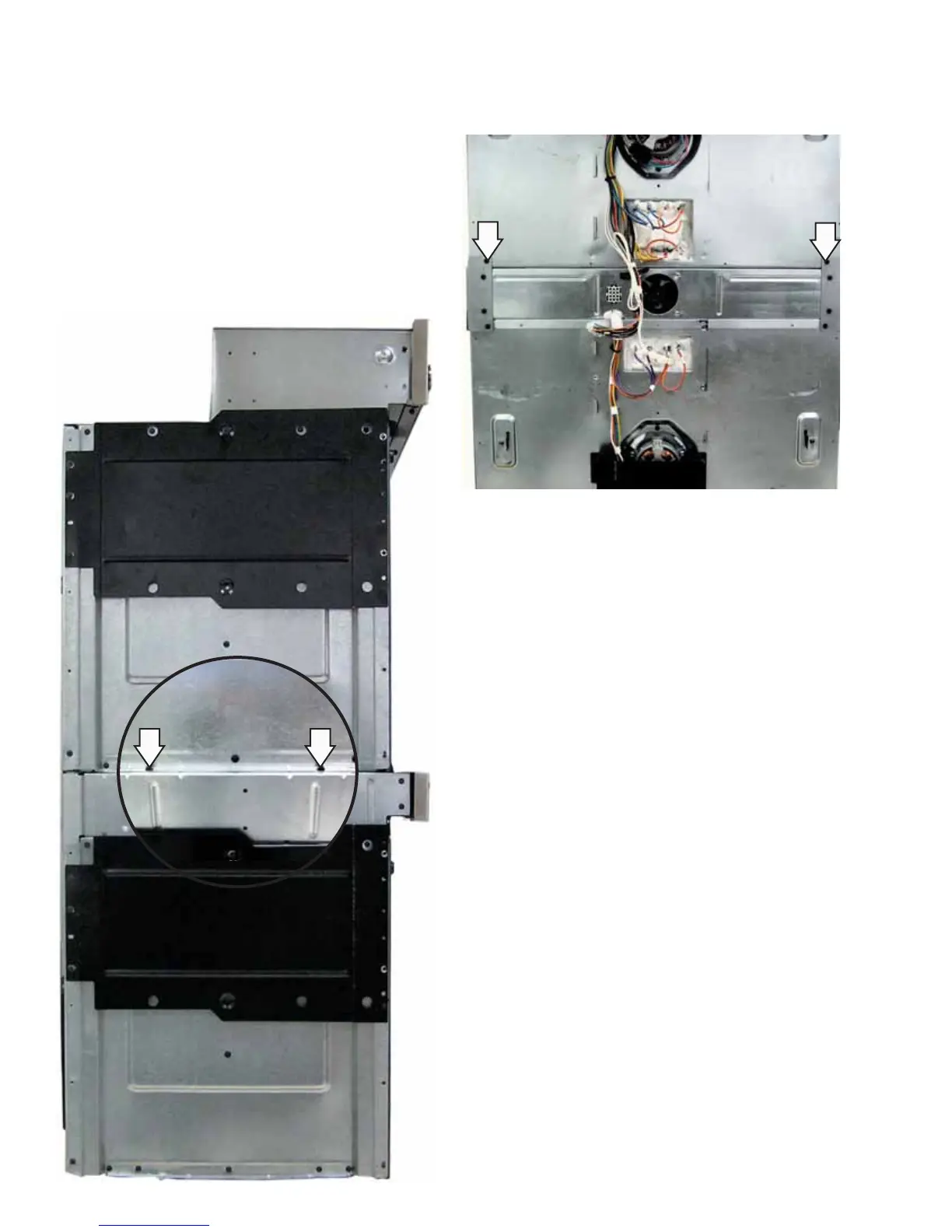
5. Remove the four ¼-in. hex-head screws (2 on
each side) that hold the top oven to the bottom
oven.
7. Carefully lift the top oven from the bottom oven
and place it on a protective surface.
6. Remove the two ¼-in. hex-head screws that
hold the back of the top oven to the bottom
oven.


 To Next Page