12
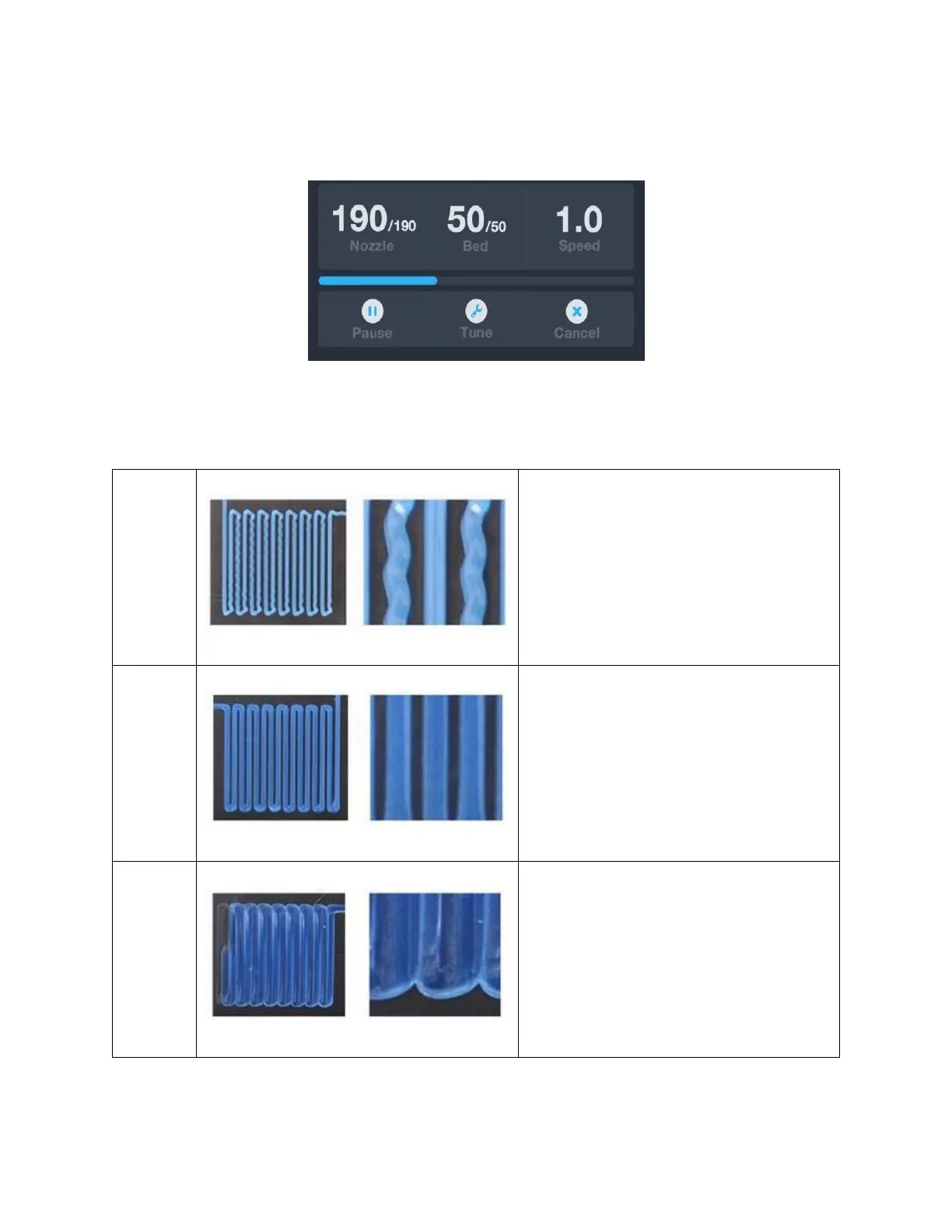
15. After the first layer has been printed, touch the Pause or Cancel button to stop
printing.
16. Compare the first layer with the images in the table below to determine whether
the build platform needs to be leveled or not. If it does need adjustment, touch the
Cancel button, then perform the steps in the
AUTO LEVELING
section.
The nozzle is too far from the
platform. This can result in the
extruded material not sticking to the
build platform.
The nozzle is at the correct height
above the platform.
The nozzle is too close to the
platform. This can result in damage to
the nozzle and build platform.


 To Next Page