SYSTEM
Input
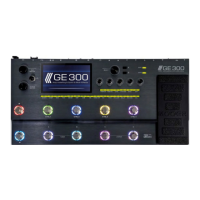
Different instruments output different signal levels. It’s important to match the input level of the GE300 to the output of your instrument to get the best performance
out of the GE300. If the Input level of the GE300 is set too low then the dynamic range and response of the unit will be insufficient. If the input level of the GE300 is set
too high then internal clipping and distortion can easily occur, which will degrade the overall sound.
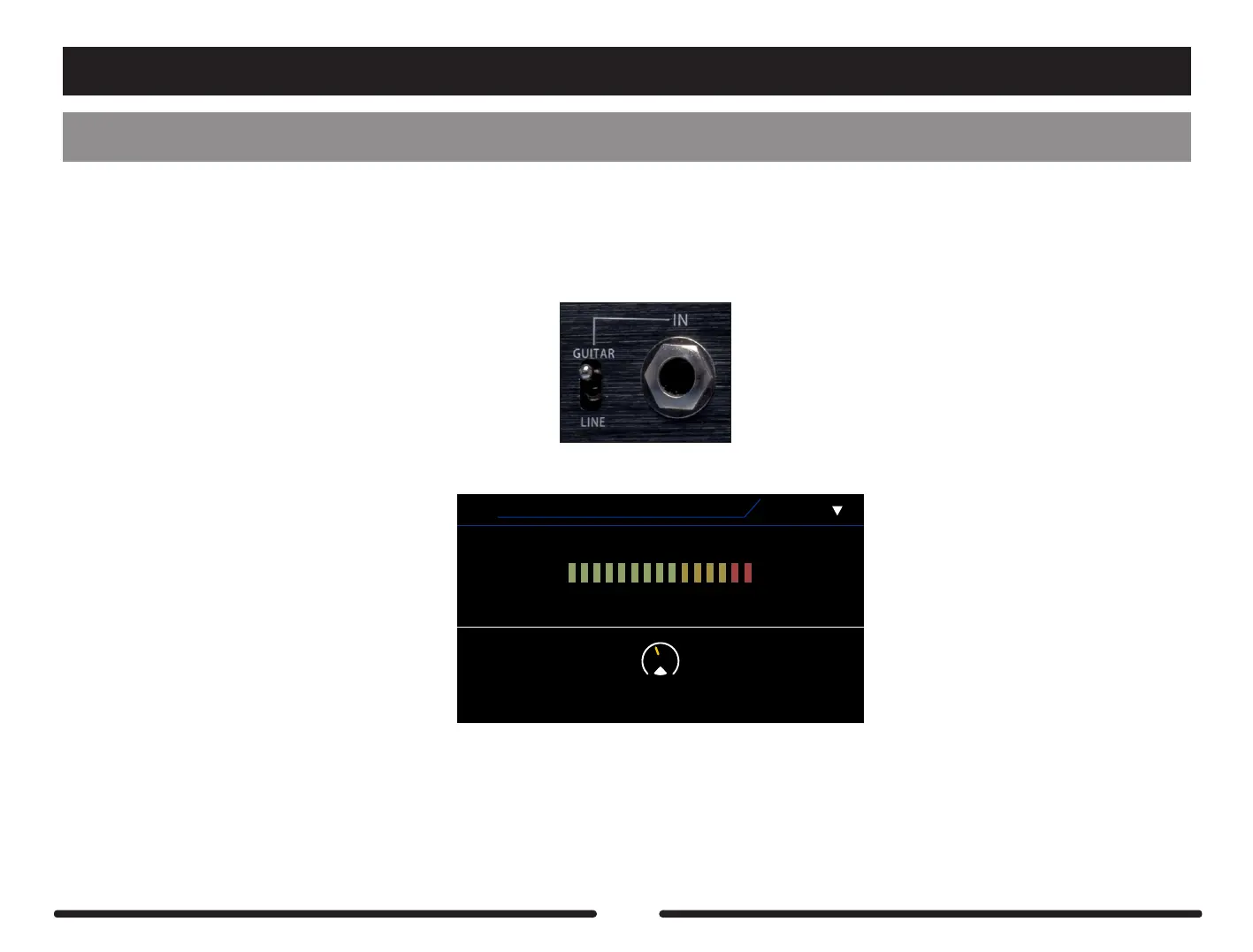
Connect your instrument to the INPUT of GE300 and set the level selector switch to the correct setting.
INPUT
Input Level
0 dB
1
V1.1.0
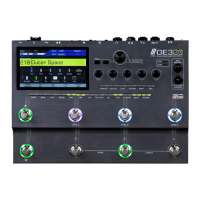
Play your instrument as you will use it and watch the input level monitor on the screen.
Use control knob 1 to boost or attenuate the input level. The optimum level is set when the monitor sits in the yellow section of the input level monitor.
If the input level monitor only sits in the green section then the input level is set too low.
If the monitor is constantly reaching the red section then the input level is set slightly too high.
64


 To Next Page