LOOPER
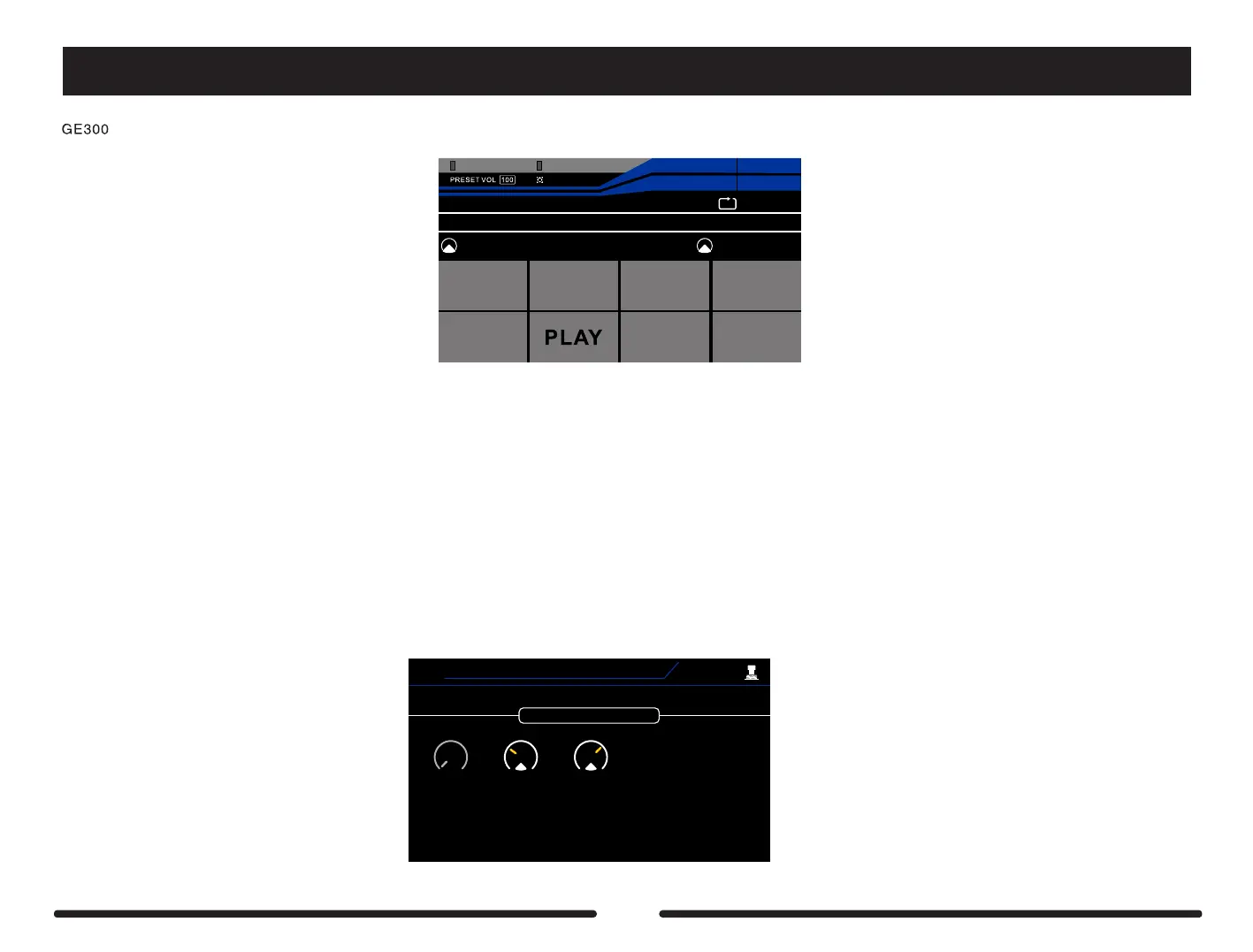
has a fully integrated loop station with up to 30 minutes of loop time. Press footswitches C + D simultaneously to enter/exit the LOOPER.
UNDO
ONCE
1/2
SPEED
REVERSE
EXP2:SYNTH
Pitch1
EXP1:MERGE —
OUTPUT CLIPINPUT CLIP
68%
LOOPER
EXIT
REC
DUB
STOP
CLEAR
TIME:0.0
REC VOL :50
1
2
PLAY VOL:50
REC VOL – Control knob 1
Adjust the record input volume using control knob 1
PLAY VOL – Control knob 2
Adjust the looper playback volume using control knob 2
REC/DUB – Footswitch A
Record a loop / Record an overdub
PLAY – Footswitch B
Play the loop currently stored in memory
ONCE – Footswitch C
Playback the loop one time only
STOP/CLEAR – Footswitch D
Stop the loop playback / Press and hold to delete the loop from memory
UNDO/REDO – Footswitch CTRL 1
Recall the last overdub / Cancel the UNDO
REVERSE – Footswitch CTRL 2
Playback the loop in reverse
½ SPEED – Footswitch CTRL 3
Playback the loop at half the speed and 1 octave lower
EXIT – Footswitch CTRL 4
Exit the looper
The LOOPER footswitch colours can be customized from the SYSTEM > FS COLOR screen
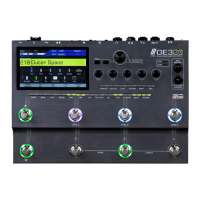
You can also assign a single CTRL footswitch to enter/exit the LOOPER via the CTRL menu
CTRL1
1:Preset
Latching LOOPER
2
3
Type
Green
Led Color
Function
92


 To Next Page