VOL
Position
0 - 100
Min
Max
Curve
Current position of the volume pedal.
Minimum volume level in the heel down position.
Maximum volume level in the toe down position.
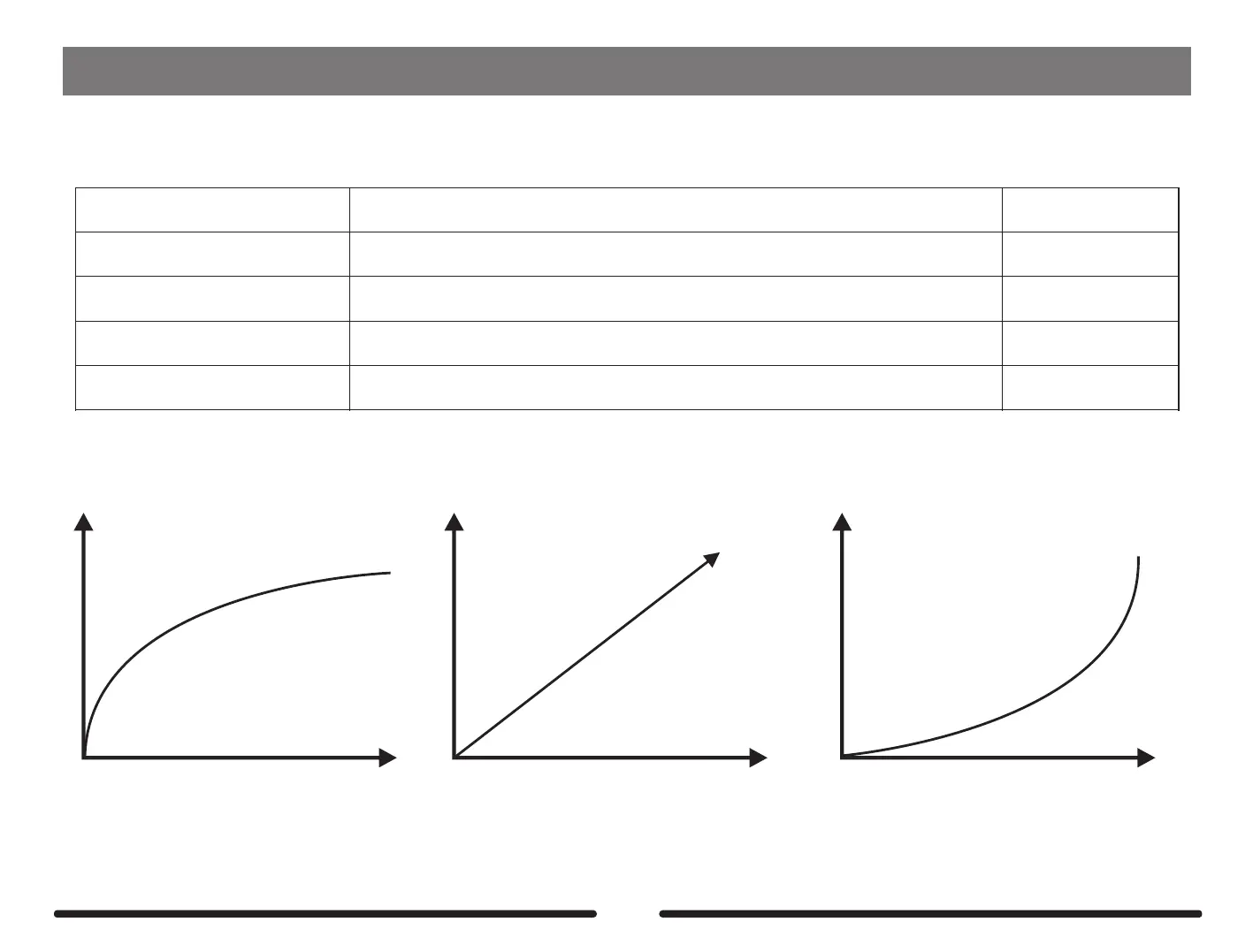
The curve of the EXP pedal. Logarithmic, Linear, Exponential.
Log, Linear,
Exponential
0 - 100
0 - 100
Parameter
Explanation
Value
The VOL effects block allows you to add a volume pedal anywhere you please within the signal chain of the GE300. When the VOL effects block is activated,
the EXP 1 expression pedal will double up as a volume pedal when the EXP 1 LED is off.
Logarithmic Linear Exponential
62



 To Next Page