MIDI
Before we move on, lets define a few simple terms regarding MIDI
MIDI CHANNEL-
A MIDI channel can be used to pass data or messages back and forth. Each MIDI channel is an independent path over which messages travel to their
destination. There are 16 MIDI channels in total.
Ensure that the slave device which is receiving via MIDI IN is listening on the same MIDI channel that the control device is transmitting on via MIDI OUT.
OMNI means the device is transmitting or receiving on all MIDI channels.
PC- Programme Change messages. Used for selecting presets or patches.
CC- Control Change messages. Used for controlling parameter values.
MIDI CLOCK- A clock signal that is broadcast via MIDI to ensure that several MIDI-enabled devices stay in synchronization.
MIDI IN
can receive MIDI messages via the MIDI IN and transmit MIDI messages via the MIDI OUT. MIDI (Musical Instrument Digital Interface) can be used to
control one device from another.
So we can transmit MIDI messages from the GE300 to control another device.
Or we can receive MIDI messages from another device to control the
MIDI
CC REFERENCE
PC MAPPING
CHANNEL
1
SYNC MIDI CLOCK
OFF
V1.1.0
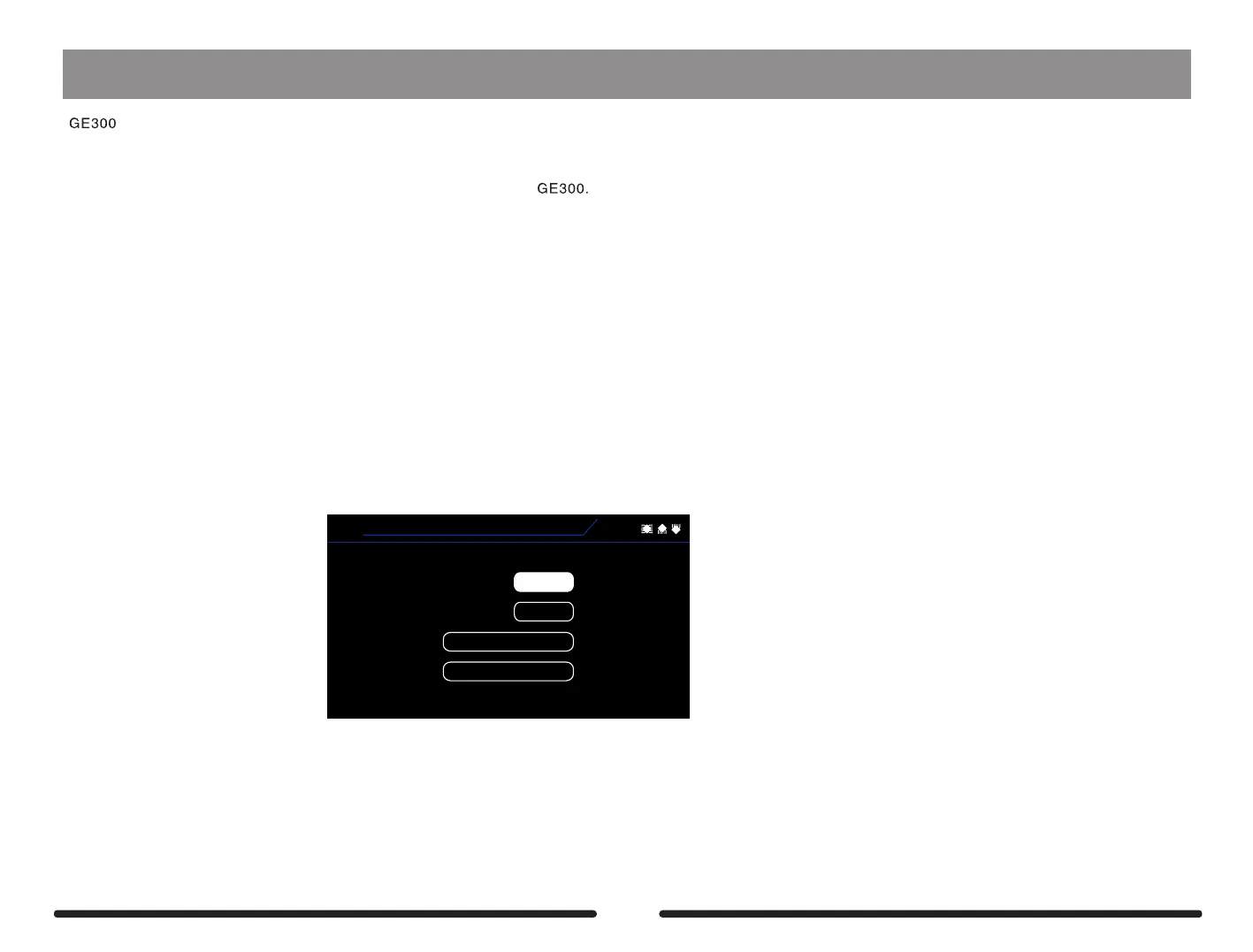
CHANNEL – Select the MIDI channel that GE300 is receiving and listening to via the MIDI IN
SYNC MIDI CLOCK- When turned ON, GE300 will synchronize its preset tempo with the incoming MIDI clock signal
CC REFERENCE – Displays a table which shows the fixed CC mapping for remote control of GE300 parameter values via MIDI
68



 To Next Page