FS COLOR
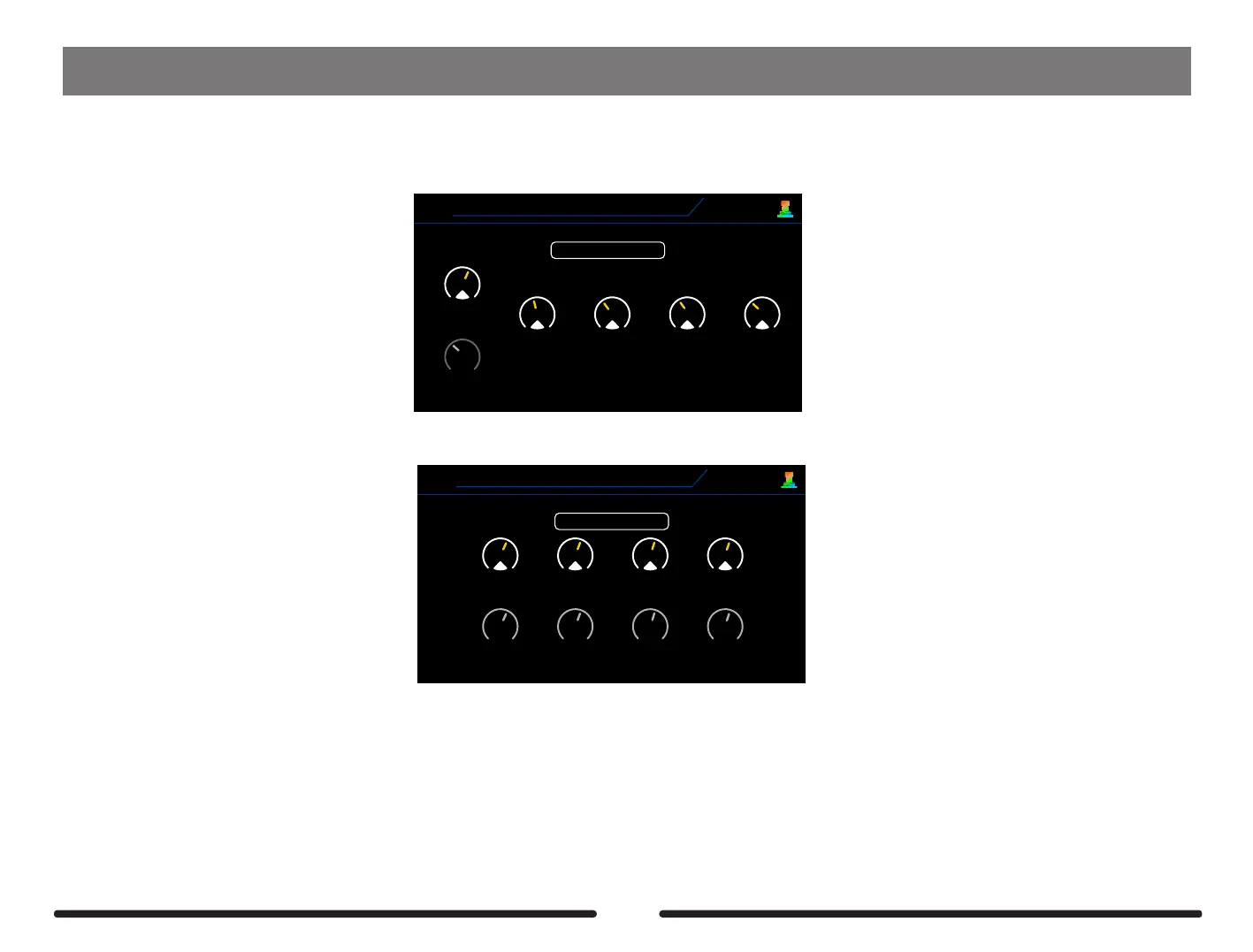
GE300 can be assigned 7 different footswitch colors for any footswitch function. This FS COLOR page is for Preset and Looper function color definition. Enter FS
COLOR page, use 1-5 knobs to assign your favourite color.
Green
BANK DOWN
Blue
A
BANK UP
1
2
3
4
5
Yellow Green Green Green
B C D
FS COLOR
V1.1.0
1: Preset foot switch color
FS COLOR
V1.1.0
2: Looper switch color
Blue
UNDO
1
REVERSE
2
3
4
Blue Blue Blue
1/2 SPEED EXIT
Blue
REC/DUB PLAY
Blue Blue Blue
ONCE STOP/CLEAR
Rotate the SELECT control to select Preset Color page or Looper color page
Use control knob 1 -5 to edit color. Press SELECT control to select parameter line.
82



 To Next Page