EXP
GE300 parameters can be controlled on the fly using the built-in expression pedal (EXP 1) and/or an external expression pedal (EXP2).
Calibrate
It’s important to calibrate the expression pedal before setting functions
EXP
EXP
EXP 2
EXP
FUNCTION
MERGE
CALIBRATE
EXP
MIN
MAX
EXP
1 2 3
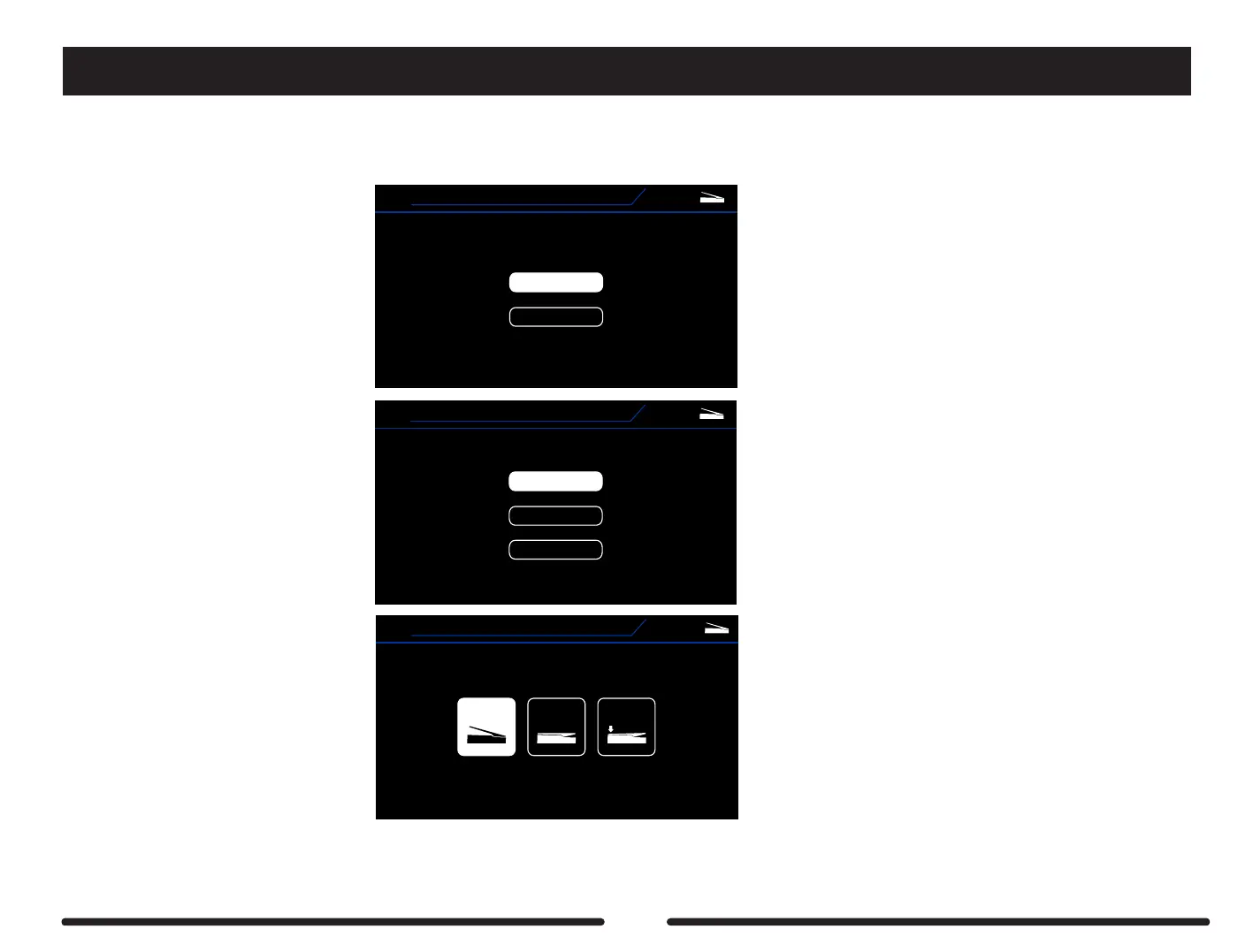
Press the EXP button to enter
the expression pedal edit screen
Press the EXP button to enter
the expression pedal edit screen
Select Calibrate to calibrate the pedal
Follow the on-screen instructions and press the SELECT control knob to move onto the next step.
Be sure to apply the correct amount of pressure to the toe down switch during step 3.
When the calibration is finished you will return to the EXP > EXP 1 screen. Press the DISPLAY button to exit or select Function to assign a function to the EXP 1 pedal.
86



 To Next Page