TAP
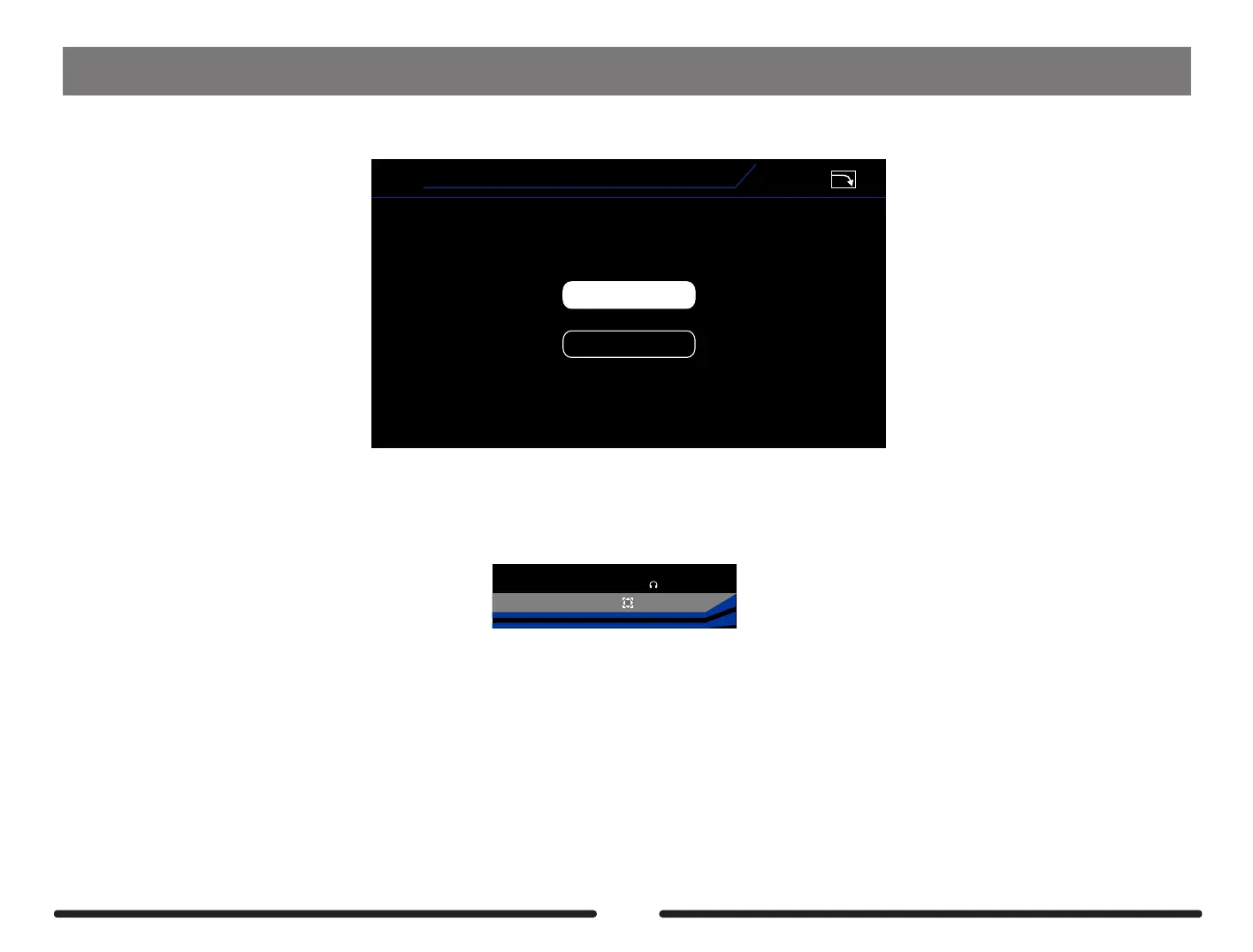
Select how the TAP TEMPO works when a preset is selected.
TAP
Preset
Global
V1.1.0
PRESET- The tap tempo is decided by the preset
GLOBAL- Master tap tempo that overrides presets individual tap tempo
Notes: The BPM (Beat Per Minute) will show on main screen . There are two ways to edit:
1. Press SELECT knob and select BPM, rotate SELECT knob to adjust;
2. Assign a footswitch function for Tap tempo, Tap the footswitch to adjust the BPM you want.
42%
BPM 120.0
OUTPUT
XLROUT
INPUT
83


 To Next Page