MIDI OUT
MIDI
PC MAPPING
V1.1.0
MODE
SEND MIDI CLOCK OFF
CHANNEL
1
MIDI OUT
MODE-
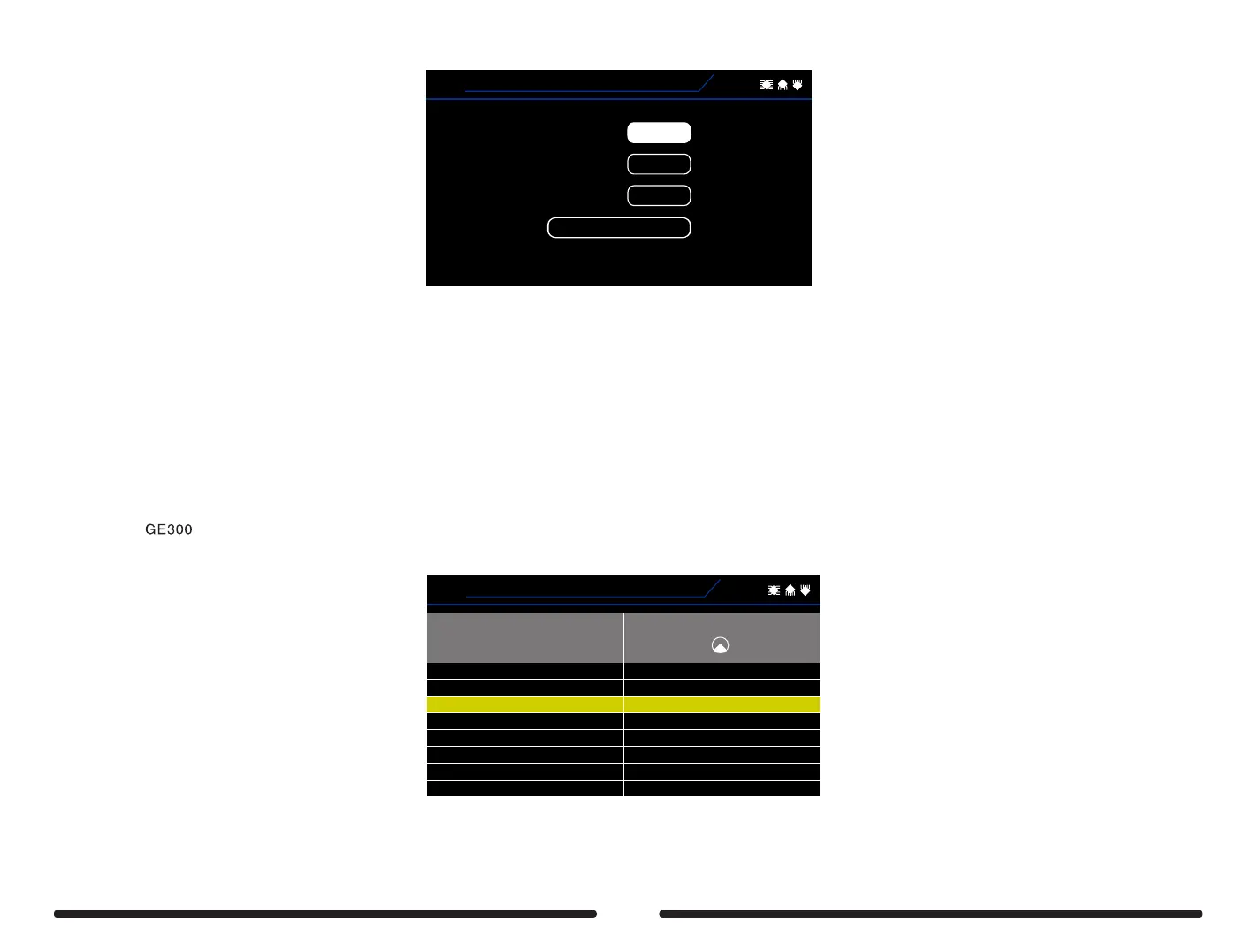
MIDI OUT – GE300 will transmit MIDI messages from the MIDI OUT port
MIDI THRU- GE300 will allow MIDI messages to pass through from the MIDI IN port to the MIDI OUT port. This is useful when chaining multiple
devices together and controlling them all from one master control device.
CHANNEL- Select the MIDI channel that GE300 is transmitting on via the MIDI OUT
SEND MIDI CLOCK- When turned ON, GE300 will transmit a MIDI clock signal which is synchronized to the tap tempo
PC MAPPING-
MIDI OUT PC MAPPING allows you to customize which PC message is transmitted to an external device via the MIDI OUT port when a preset is
selected on
MIDI
01A
1
2
3
4
5
6
7
1B
1C
1D
2A
2B
2C
2D
PC#
1
PATCH
V1.1.0
Rotate the SELECT control to select a preset number
Use control knob 1 to edit the PC#
70



 To Next Page