Exp.
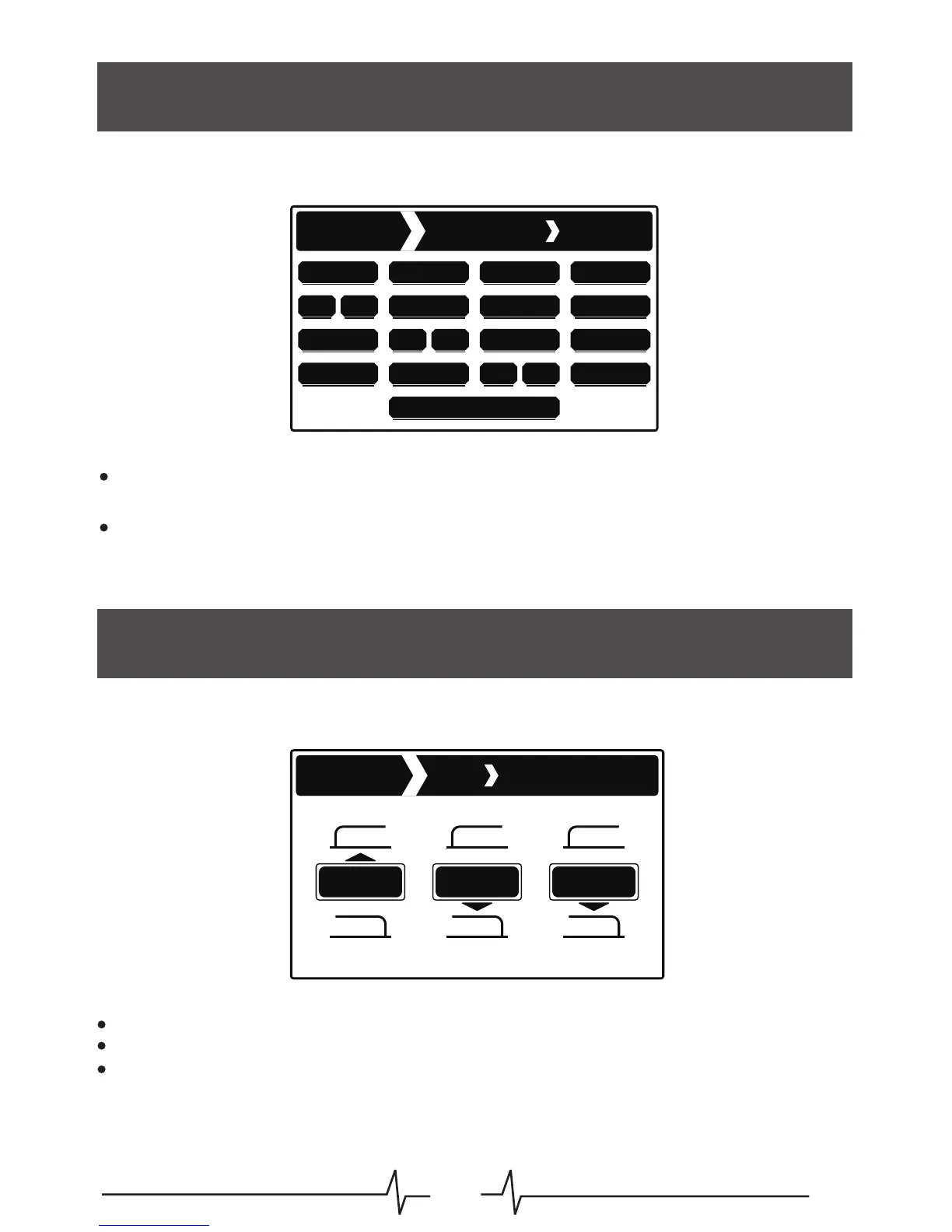
In this page we can select which parameter is controlled by an external expression pedal
and adjust the minimum threshold when the expression pedal is in heel down posit
Setting
Expression
Shimmer
Decay
R.Tone
R.Mix
Min Value: 0%
Tone.A
D.Mix A
A.P2
Master Mix
A.P1
F.Back B Time.B Tone.B
R.P1 R.P2
D.Mix B
F.Back A Time.A
B.P1 B.P2
Rotate the Menu control to select which parameter you want the expression pedal to control.
This will be a global setting and can not be changed per preset
Press the Menu control to confirm your selectionion
At the bottom of this page is a parameter named “Min Value”. Changing this percentage will
adjust the minimum threshold when the expression pedal is in the heel down position
Tone
Patch
Reverb
Setting
Tone
Tone.R Tone.B Tone.A
HighPass
LowPass LowPass LowPass
HighPass HighPass
The tone controls on Ocean machine’s delay and reverb effect blocks can independently be
setup as high pass or as low pass filters
Press the Menu control to select which tone control you wish to change
Rotate the Menu control to select High pass or Low pass
Press the Back button to return to the settings menu
14



 To Next Page