Wireless Footswitch
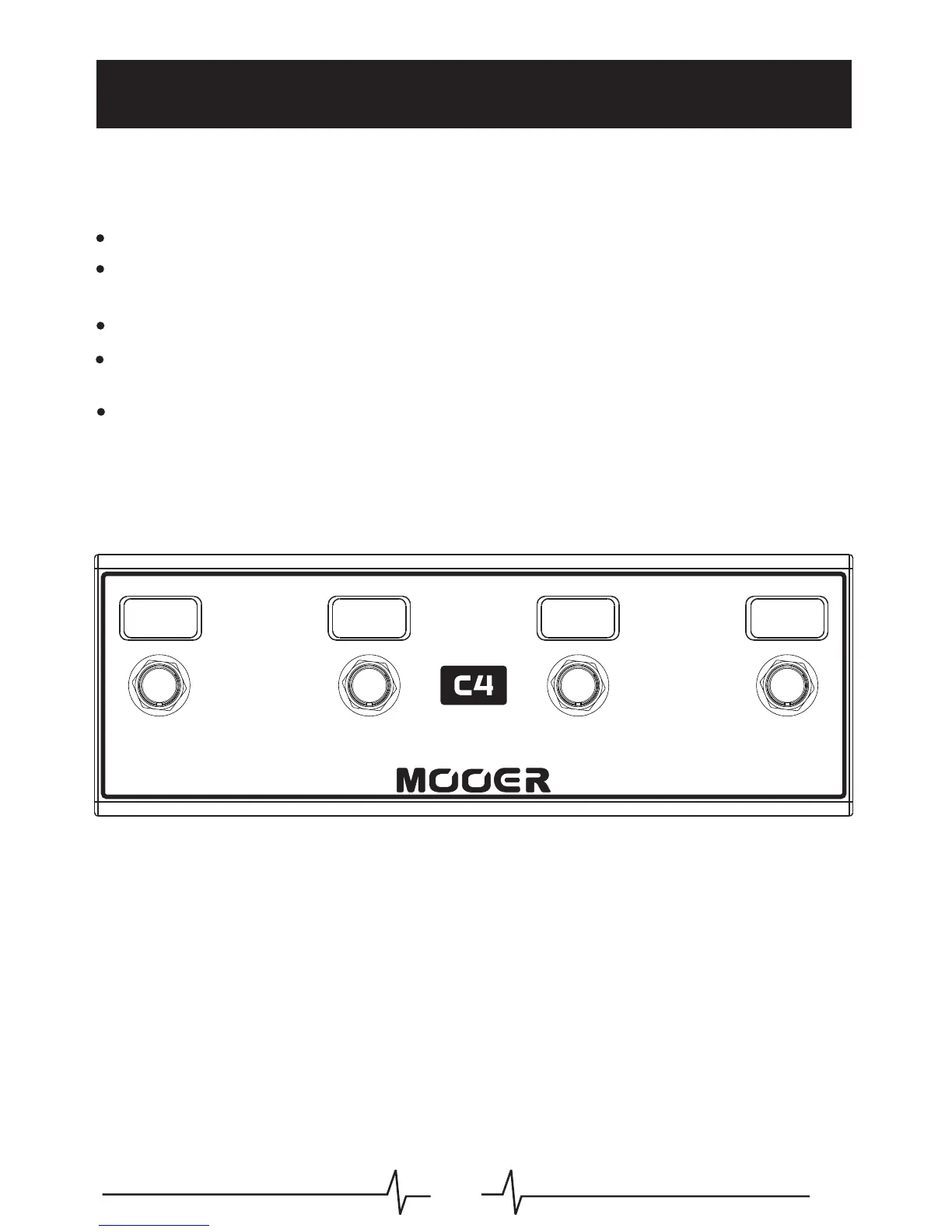
A B C D
For a more complete experience you can purchase one of our wireless footswitch controllers to
expand your Ocean Machine controls.
Power off the Ocean Machine
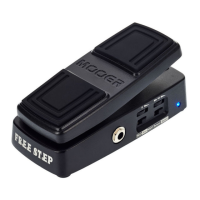
Press and hold the footswitch on the wireless controller (single FS type)
Press and hold C+D footswitches on the wireless controller (4 FS type)
Connect power to the Ocean Machine
Wait for the Ocean Machine to fully finish booting up before releasing the wireless
controllers footswitch
Navigate to: "Setting > Wireless" and set the parameter to the correct controller type
18



 To Next Page