47
When a MIDI clock pulse is received, Labyrinth’s master clock automatically switches over to MIDI clock
with division based on the MIDI Clock Div setting. If a MIDI clock pulse is not received for five seconds,
Labyrinth’s master clock reverts to the internal clock. External clocks patched into CLOCK1,2 will
override the MIDI clock.
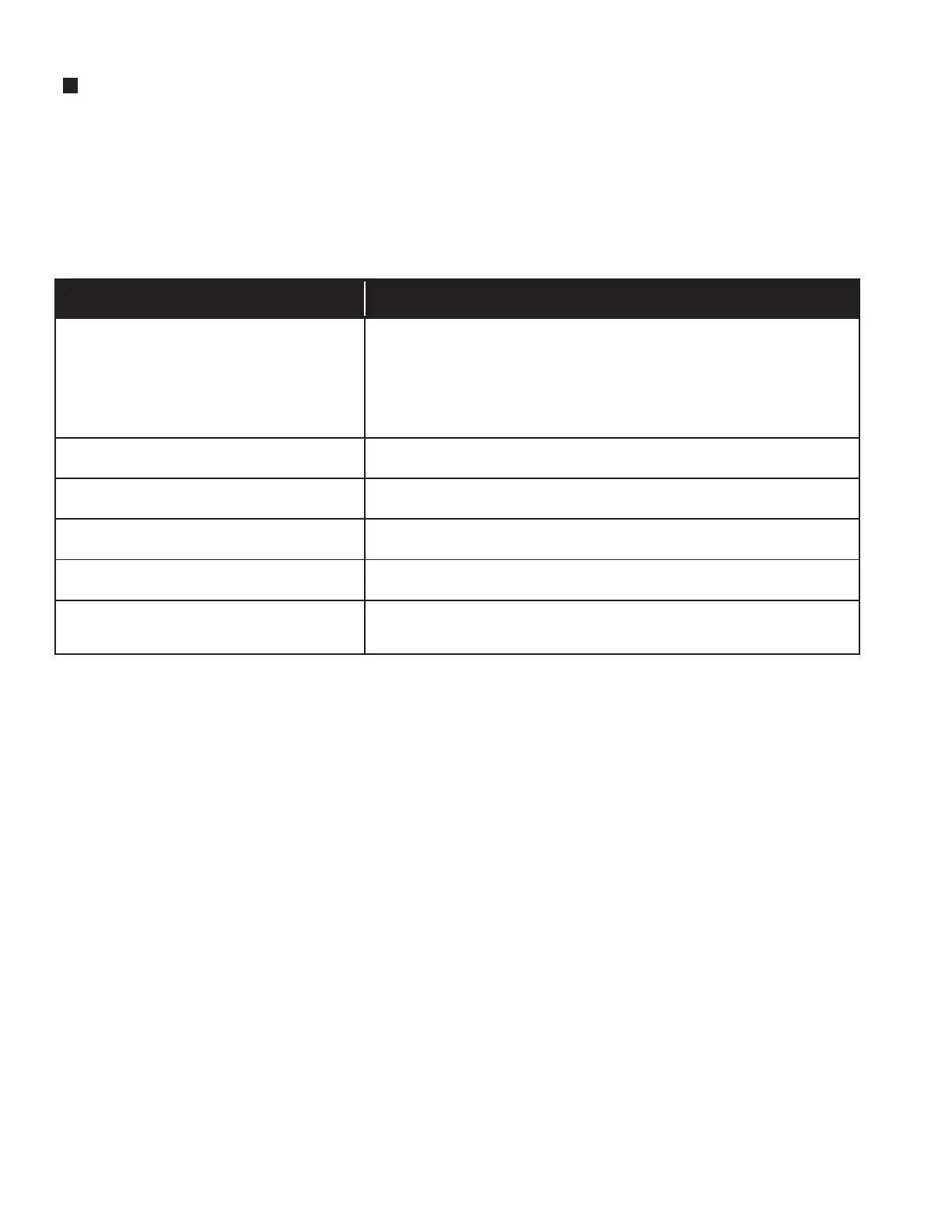
MIDI OPERATIONS
MIDI Message
Behavior
MIDI Note On
MIDI Clock Pulse
MIDI Start
MIDI Stop
MIDI Continue
MIDI Song
Position 0:00
If the quantizer is on (i.e., if quantizer is set to any scale other than
“Unquantized”), a MIDI Note On message will transpose the root of SEQ1 &
SEQ2 quantized CVs to new MIDI note.
In addition, if the sequencers are not running, a MIDI Note On message will
generate a trigger, allowing Labyrinth to be played like a keyboard instrument.
This drives MIDI clock dividers, assuming 24 PPQN.
This resets sequencers and begins playing sequencers if they’re
not already running.
If sequencers are running, this stops the sequencers.
If sequencers are not already running, this starts sequencers.
It does not reset sequencers.
This resets sequencers and only reacts to a song position time of 0;
all other song position messages are ignored.


 To Next Page